How to Lock Apps on Android (Pixel, Samsung and More)
Two ways to lock apps on Android: behind a PIN so only you can open them (Private Space, Samsung Secure Folder, App lock), or out of reach for yourself with Digital Wellbeing.
Guides
Read moreTips, insights, and strategies to beat procrastination
Two ways to lock apps on Android: behind a PIN so only you can open them (Private Space, Samsung Secure Folder, App lock), or out of reach for yourself with Digital Wellbeing.
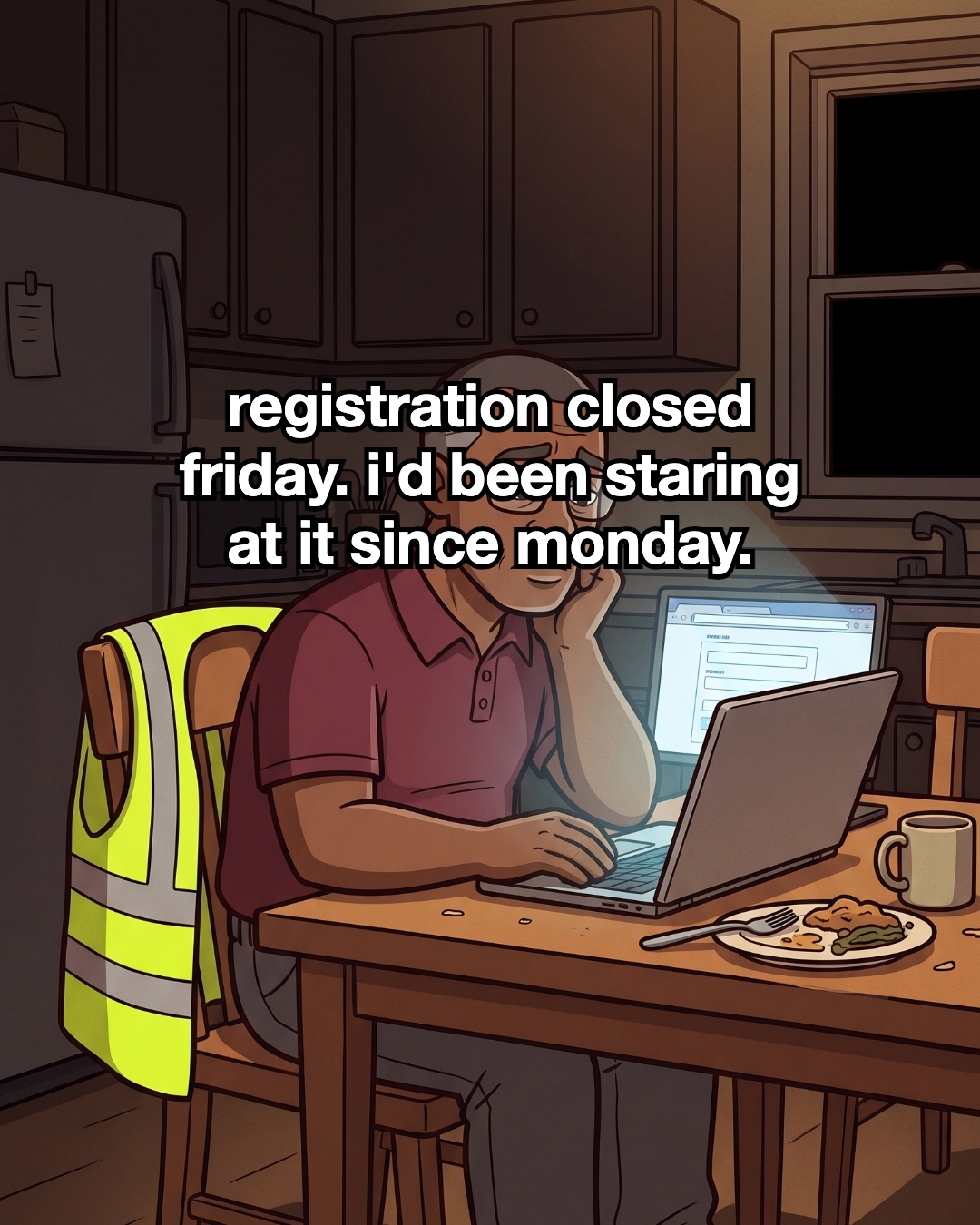
Registration closed Friday and I couldn't face the portal. Here's how I split class sign-up into five small steps between warehouse shifts.
Read the story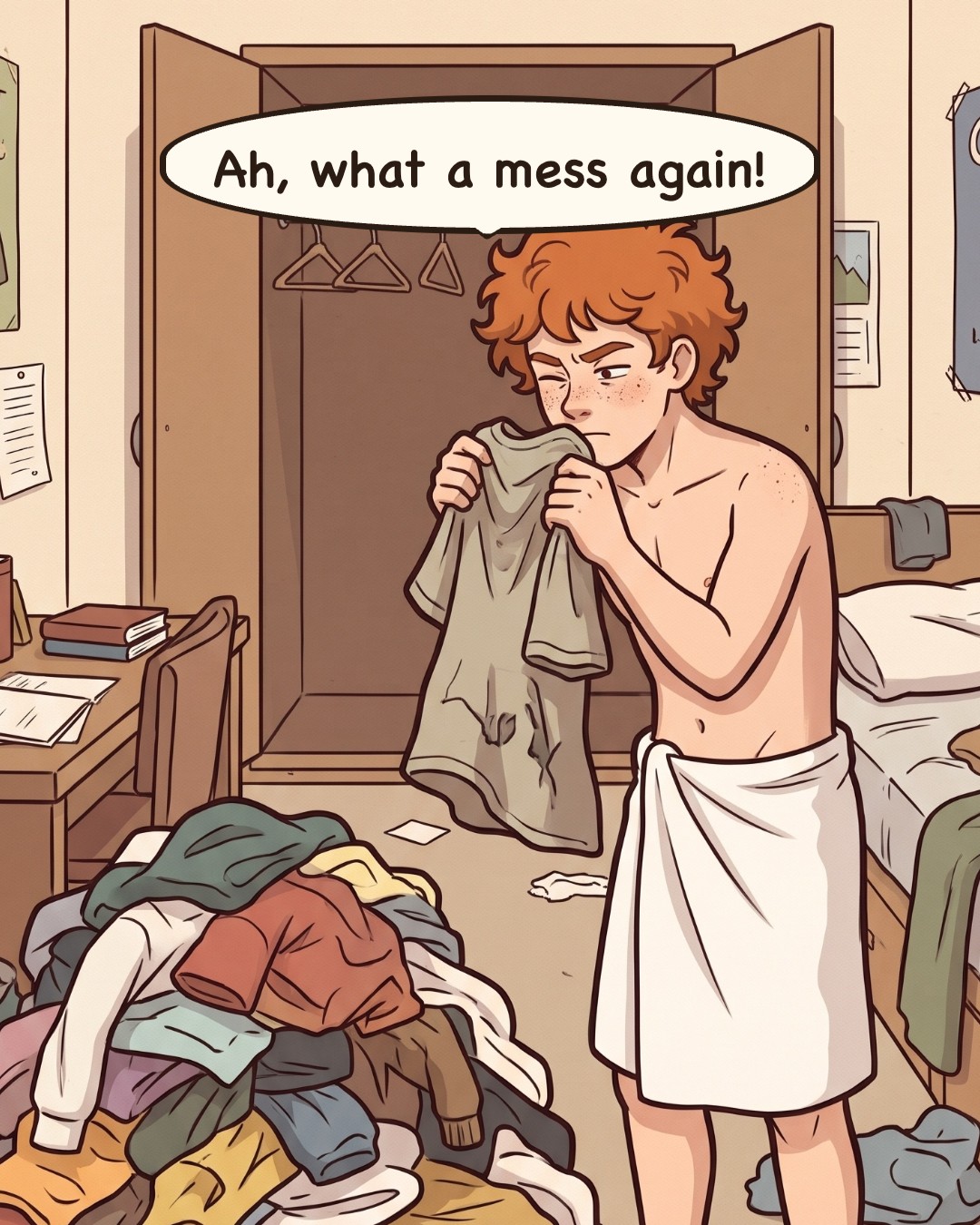
Leo's dorm laundry pile got too big to start. Here's how he broke it into five small steps, and how you can catch up on your own pile today.
Read the story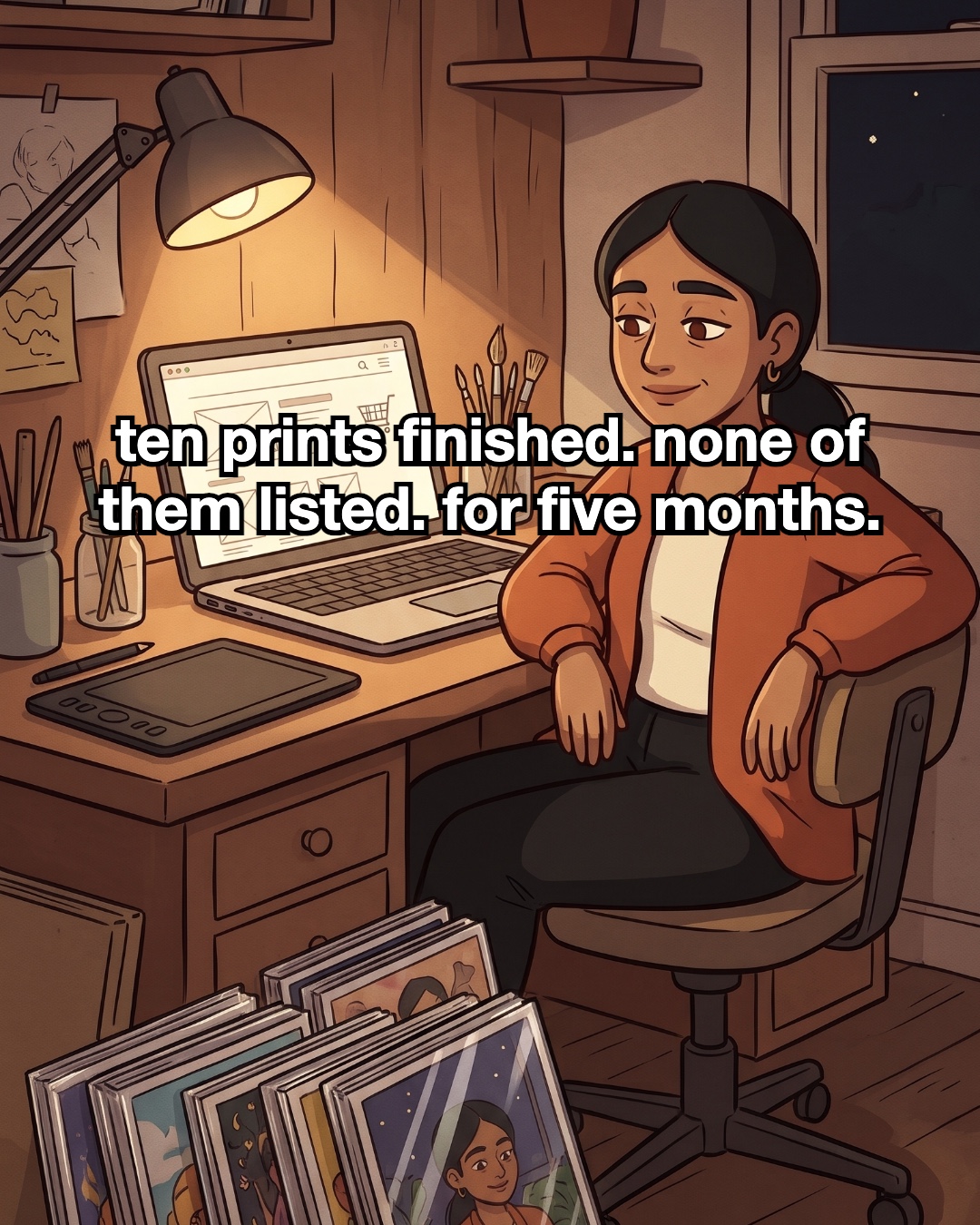
Ten finished prints sat unlisted for five months. Here are the five small steps that got them into my shop, and how to do the same with yours.
Read the story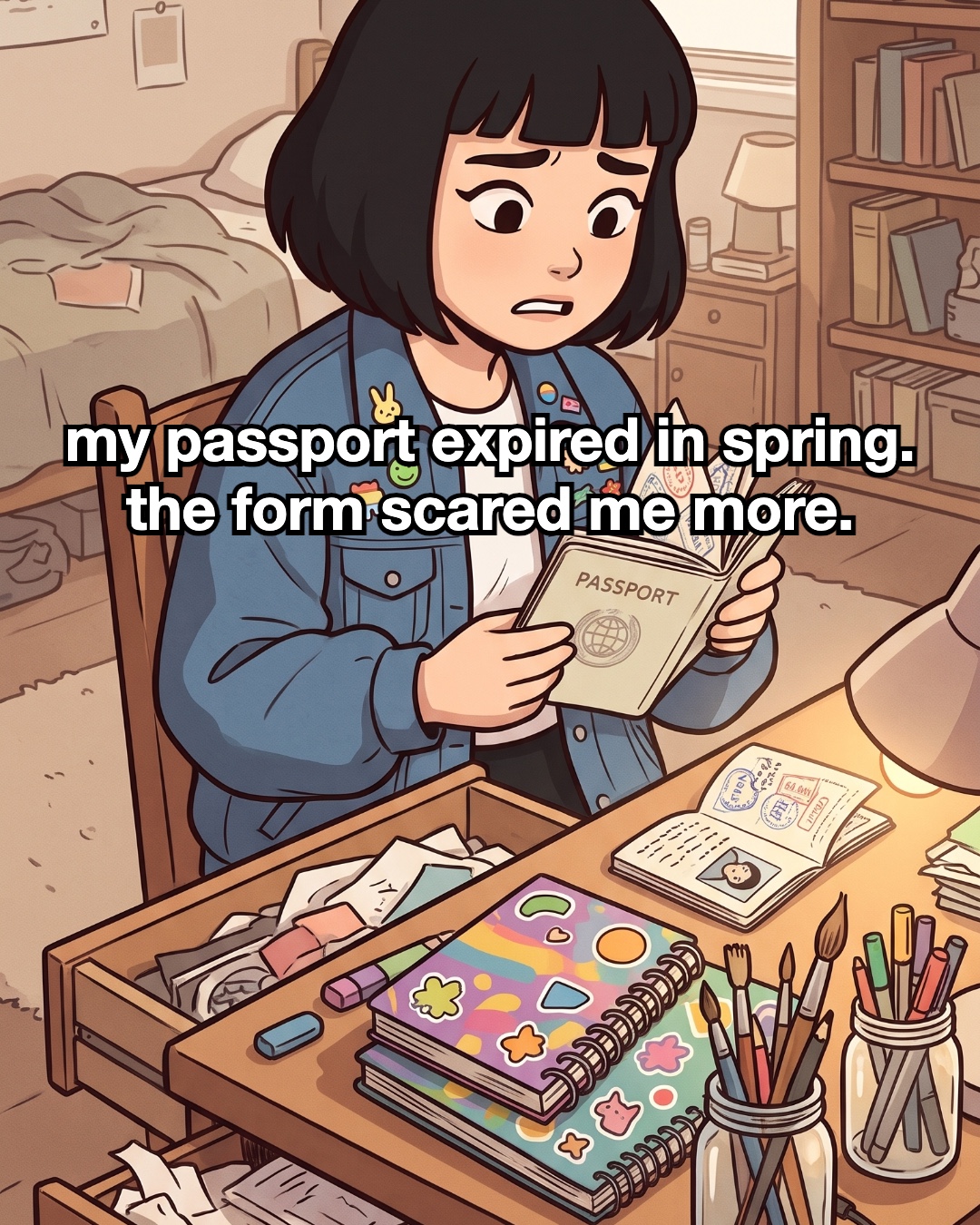
A comic story about an art student whose expired passport sat in a drawer for weeks, and the five small steps that got the renewal in the post.
Read the storyEvery built-in way to limit apps on Android 16: app timers, Pause app and Focus in Digital Wellbeing, step by step, with short sections for TikTok, Instagram and YouTube.
Chrome has no setting to close a site, but Android 16 has four ways around it: site timers in Digital Wellbeing, Focus, a timer on Chrome itself, and Private DNS.
Three ways to block TikTok on iPhone with Screen Time in iOS 27: keep the app closed, give it a daily limit, and close tiktok.com in Safari, plus how to make it stick.
Limit Instagram without losing your DMs, or close it completely: Instagram's own daily limit and Quiet Mode, then Screen Time in iOS 27 for limits that hold.