AI that breaks goals down, a plan you build in a minute, and on iPhone, a shield that keeps distracting apps locked until the work is done
The building blocks of your productivity transformation
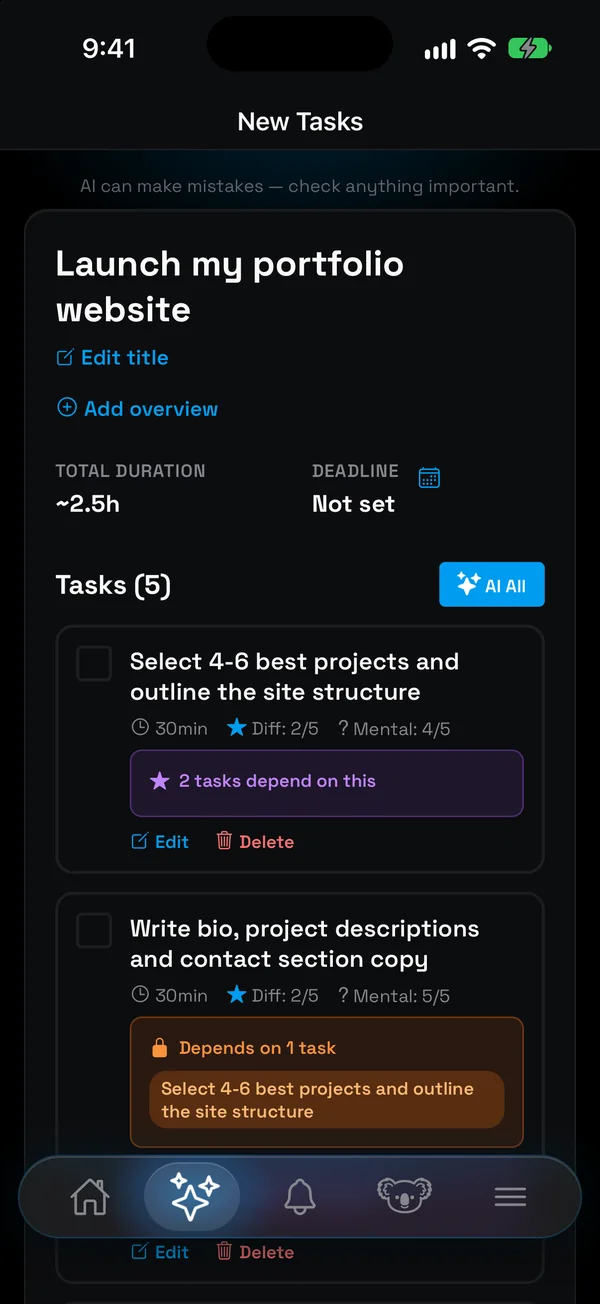
Big goal, no idea where to start? Describe it in your own words, and NoCrast breaks it into small, doable tasks.
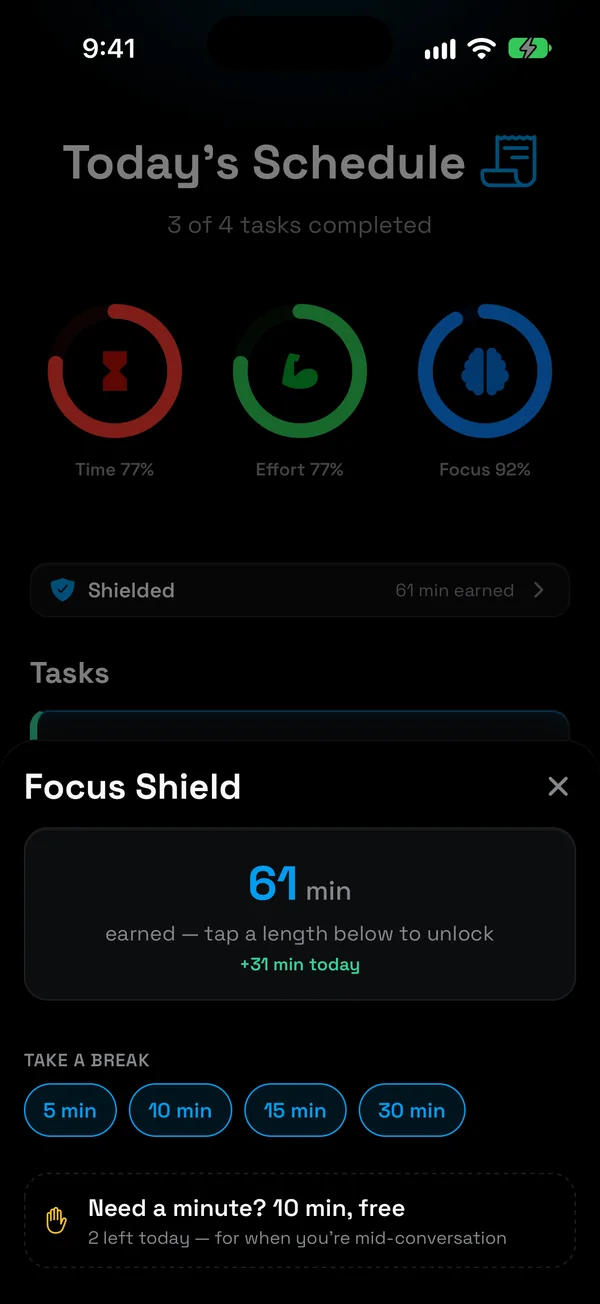
Keep distracting apps locked on the days you choose. Finishing a task earns minutes to spend on them; finish your plan, and the rest of the day is yours.
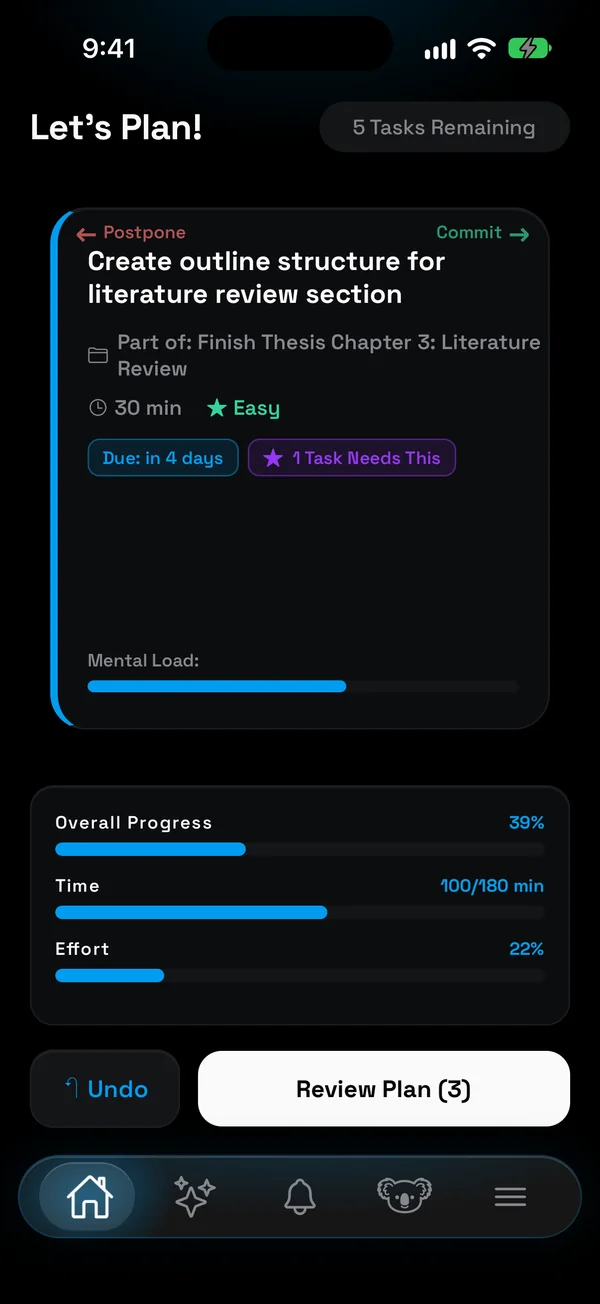
Right to commit, left to postpone. Your day is decided in a minute, and the time and effort bars tell you when it is full.
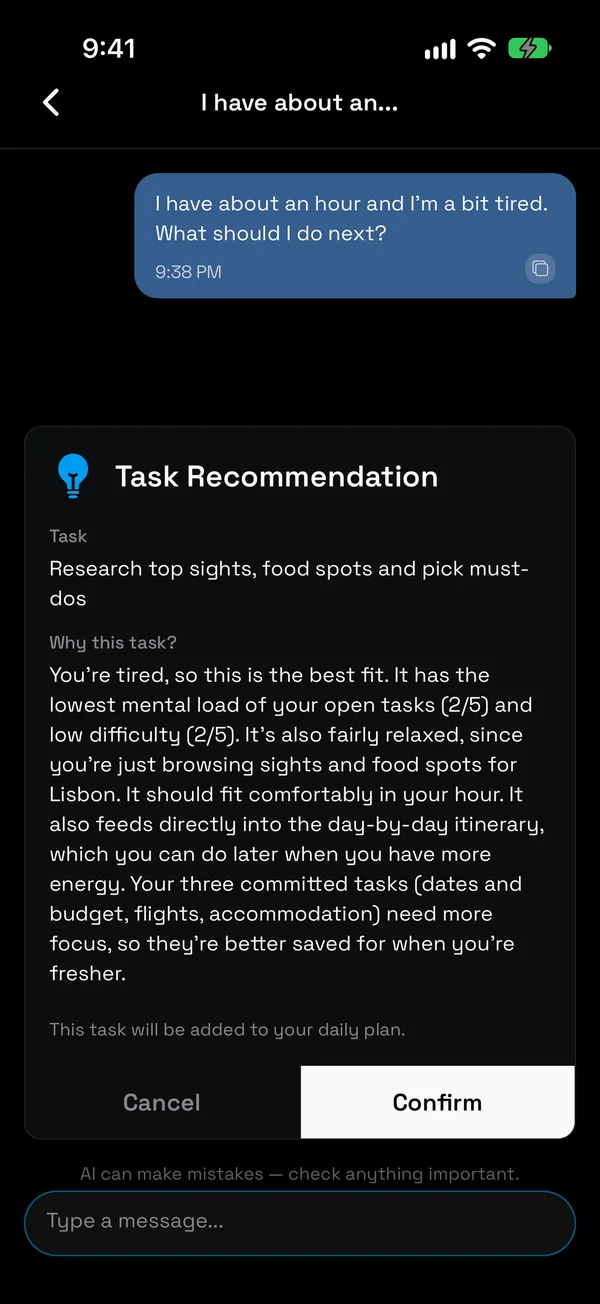
Tired, short on time, not sure where to start? Ask, and get the one task that fits your energy and the time you have.
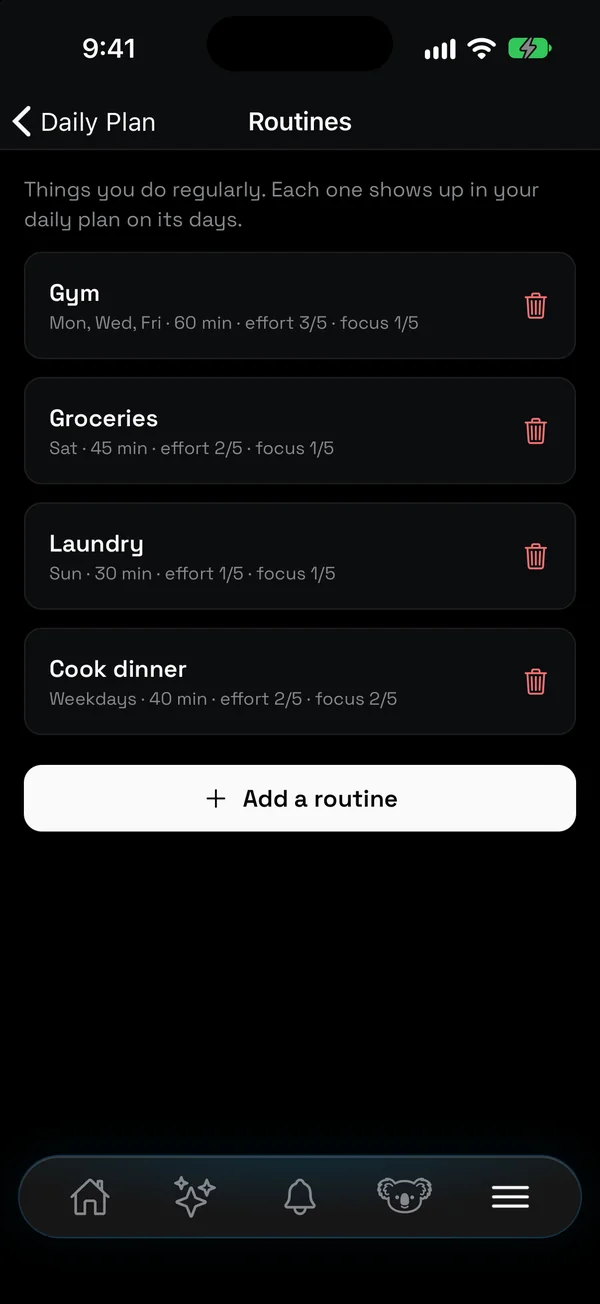
Gym, groceries, laundry? Add the things you do regularly once, pick their days, and they show up in that day's plan on their own.
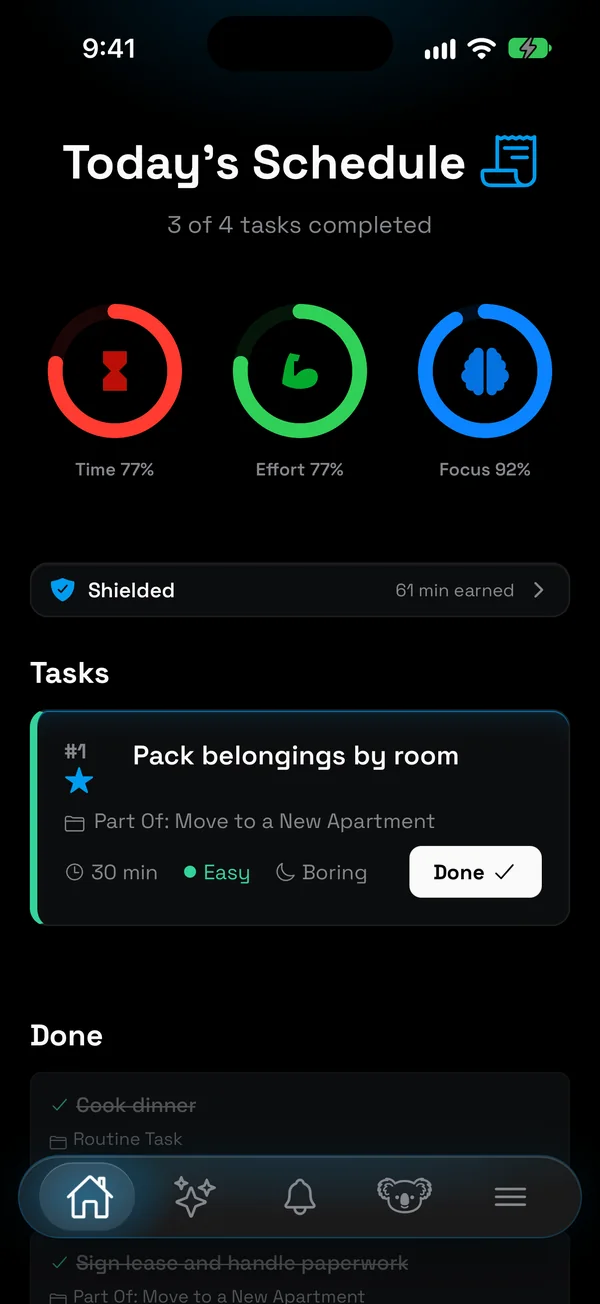
Time, effort and focus rings show how full your day is, so you never overcommit, and your dashboard shows how the weeks add up.
For the things that happen at a set time. Reminders sit alongside your plan and notify you when they are due.

Built with attention to every detail
Your tasks, notes and chats are stored encrypted, with a key of their own for every account. We never sell or share your data.
One account everywhere. Plan on your phone, carry on in the browser.
Choose from 4 beautiful themes: Light, Dark, Ocean, and Sunset. Pick the one that suits your mood.
Tick tasks off without a connection; changes sync when you are back online.
Changes sync instantly across all your devices. Never lose progress.
Track your AI token usage and productivity metrics in real-time.
Gorgeous gradients and smooth animations make productivity feel good.
New features and improvements shipped regularly based on user feedback.
Get started in 3 simple steps
Create your account in seconds. Every feature is free for 7 days.
Describe what you want to get done, and let AI break it into small, doable steps.
Swipe your plan for the day together, then tick it off, and on iPhone earn your screen time as you go.
Turn the next big goal into small steps, and keep your phone out of the way while you do them
7 days free • Cancel anytime