How I finally listed 10 art prints in my shop after five months
A NoCrast comic story: Priya, an artist with a side shop, and the ten prints she kept not listing.
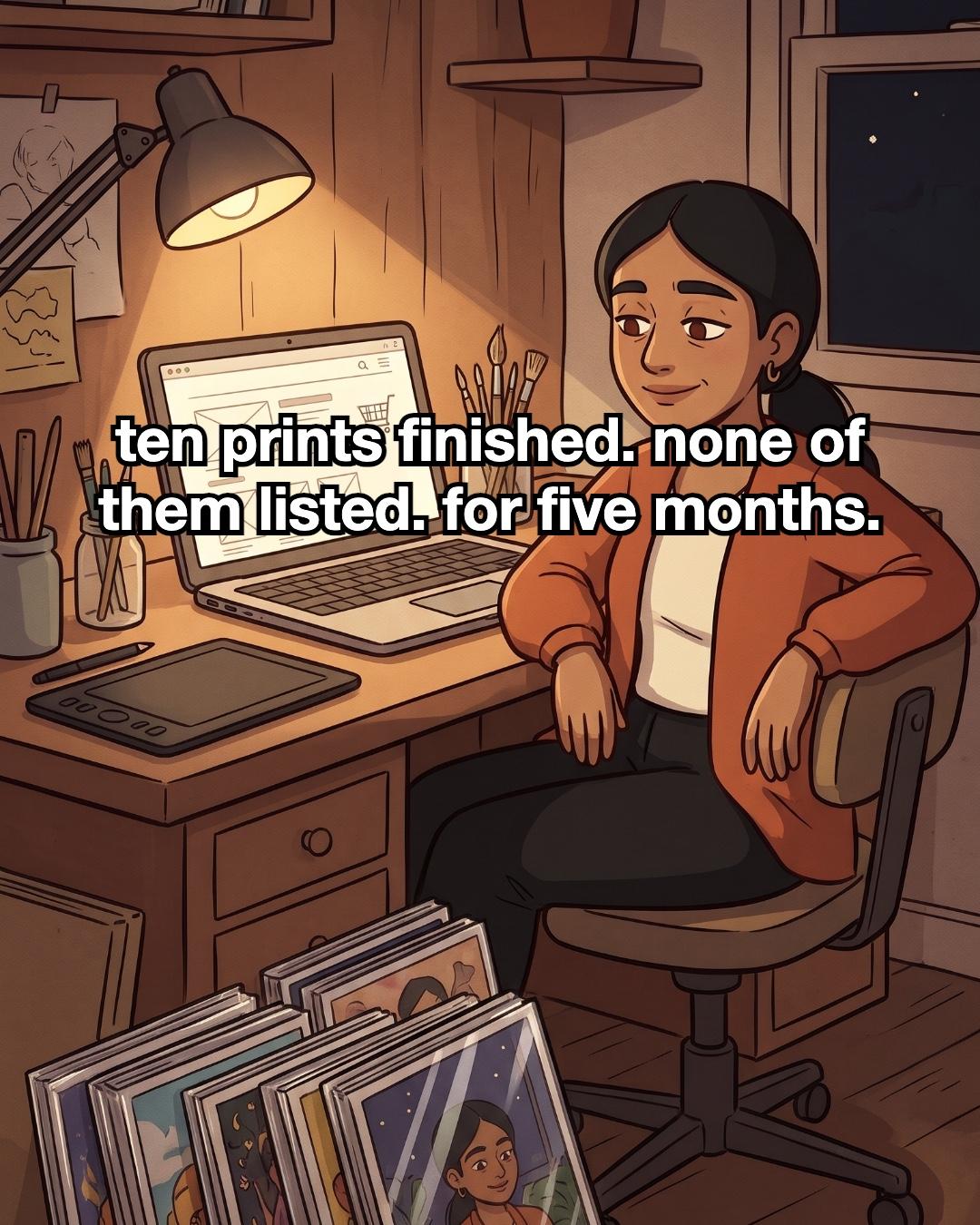
Ten prints, finished. In their sleeves, leaning against my studio wall. None of them listed. For five months.
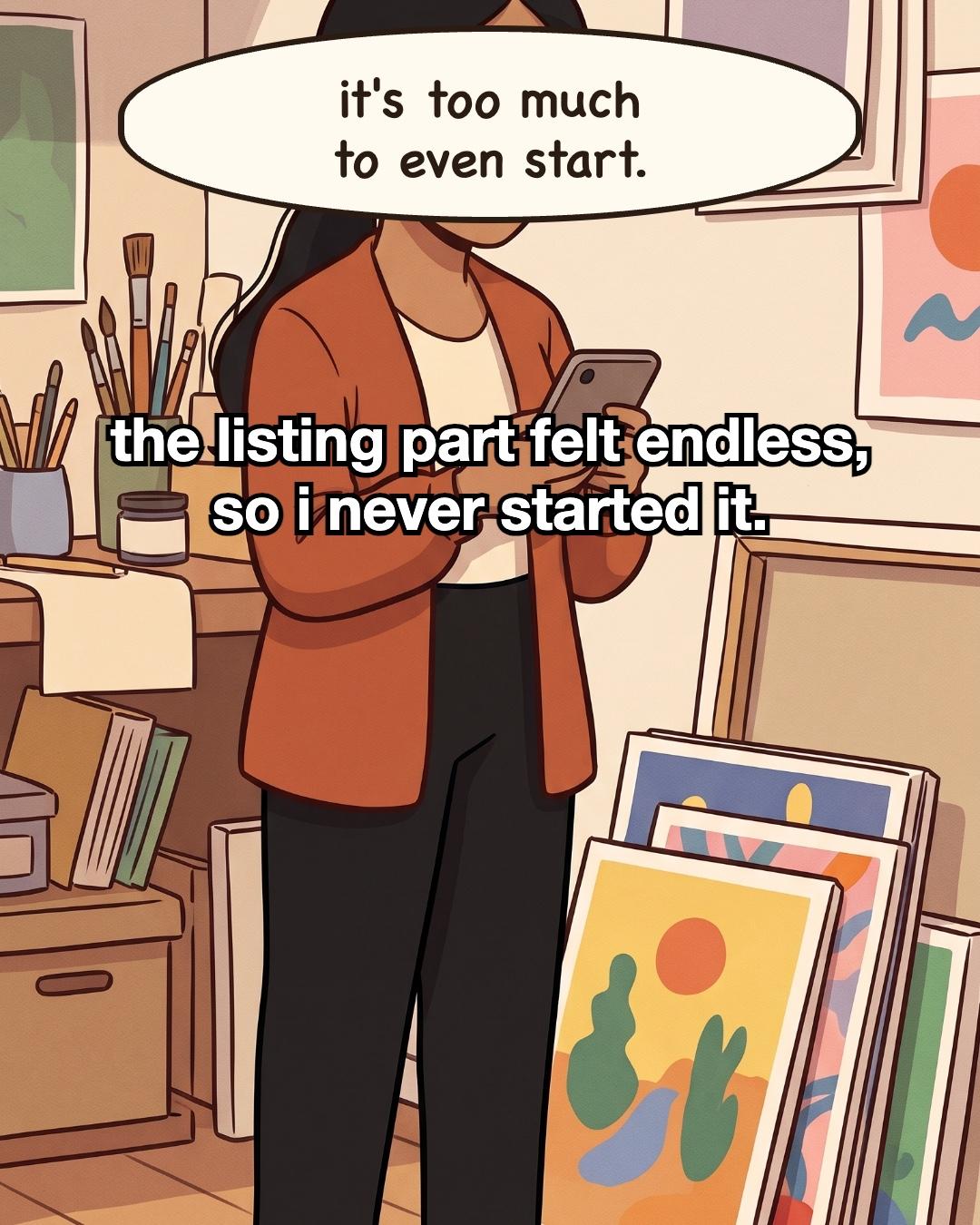
Some nights I'd open my laptop on the empty shop page. I'd reach for a print to photograph it, then stop, and end up on my phone instead. The prints stayed against the wall. The listing part felt endless: photos, prices, sizes, shipping, words for every single one. It was too much to even start, so I didn't.
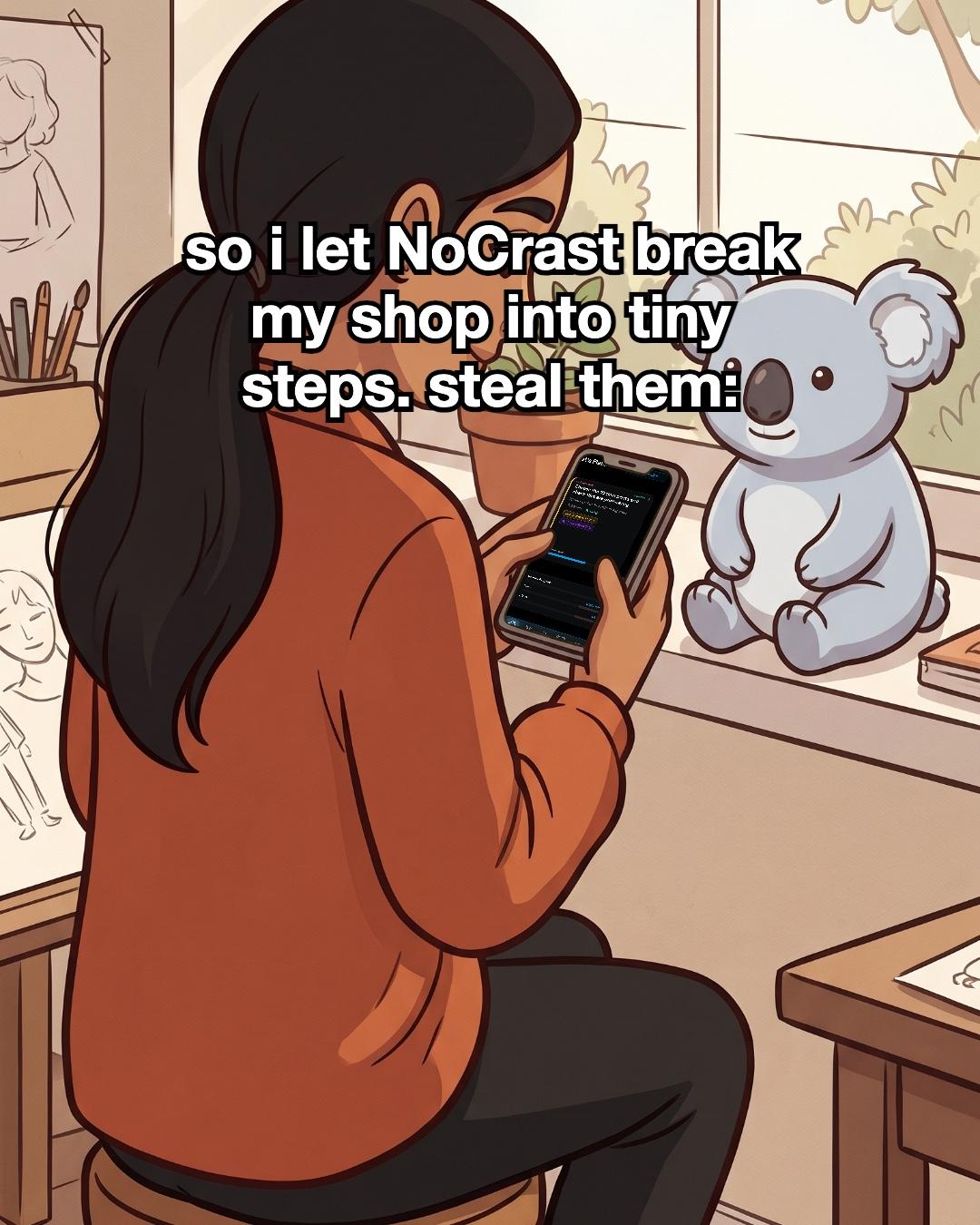
So I let NoCrast break my shop into tiny steps. I typed my goal, "Put 10 prints in my shop", and it split it into five small ones, about 30 minutes each. The apps that kept pulling me away went on hold, and every step I finished earned some screen time back.
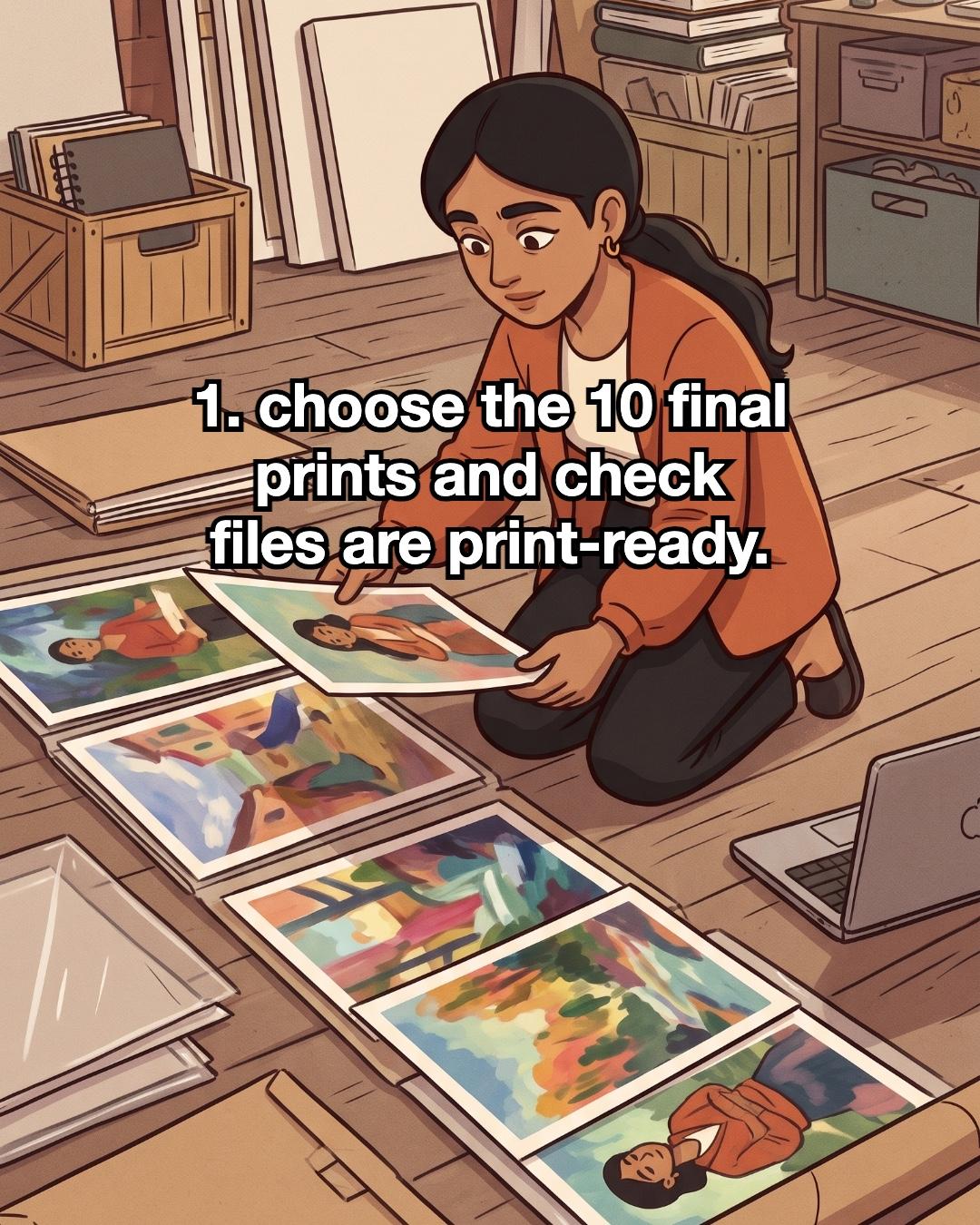
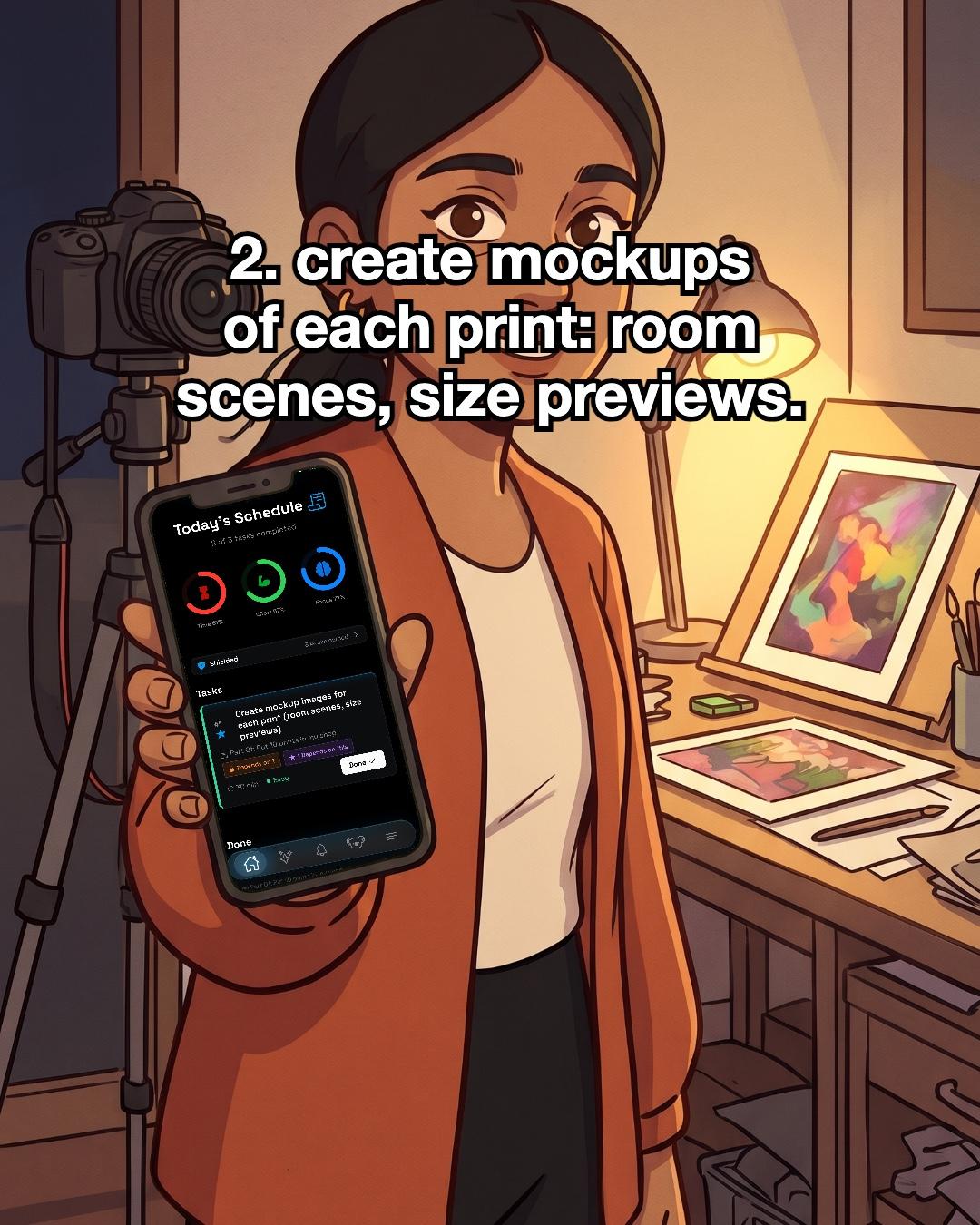
The first step was only this: choose the ten final prints and check the files are print-ready. I knelt on the studio floor, slid the prints out of their sleeves and laid them in a row. That was all. Another night it was mockups: room scenes, size previews, my camera on its tripod next to a lamp-lit print.
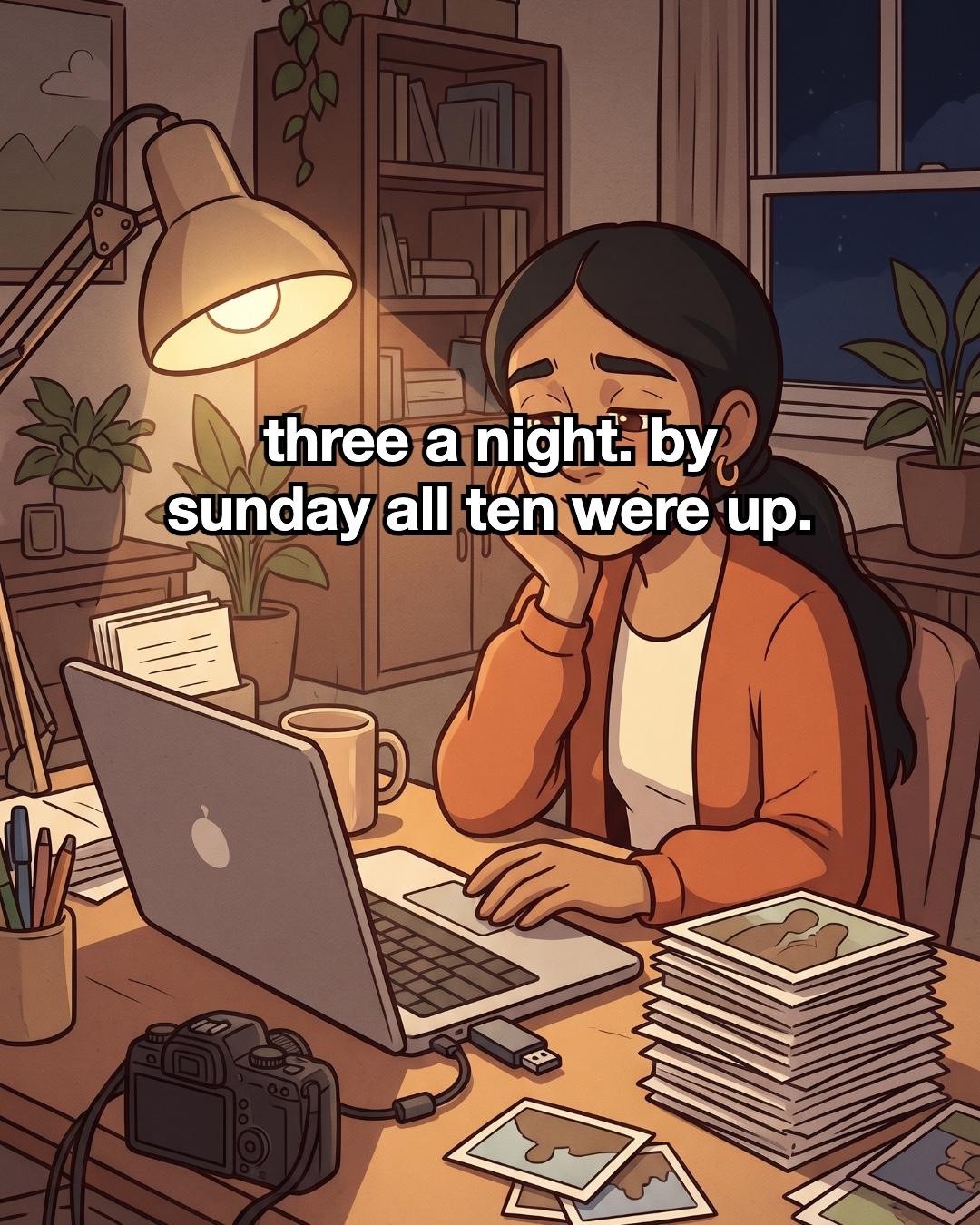
Three a night. By Sunday, all ten were up. I was tired, and I was smiling.
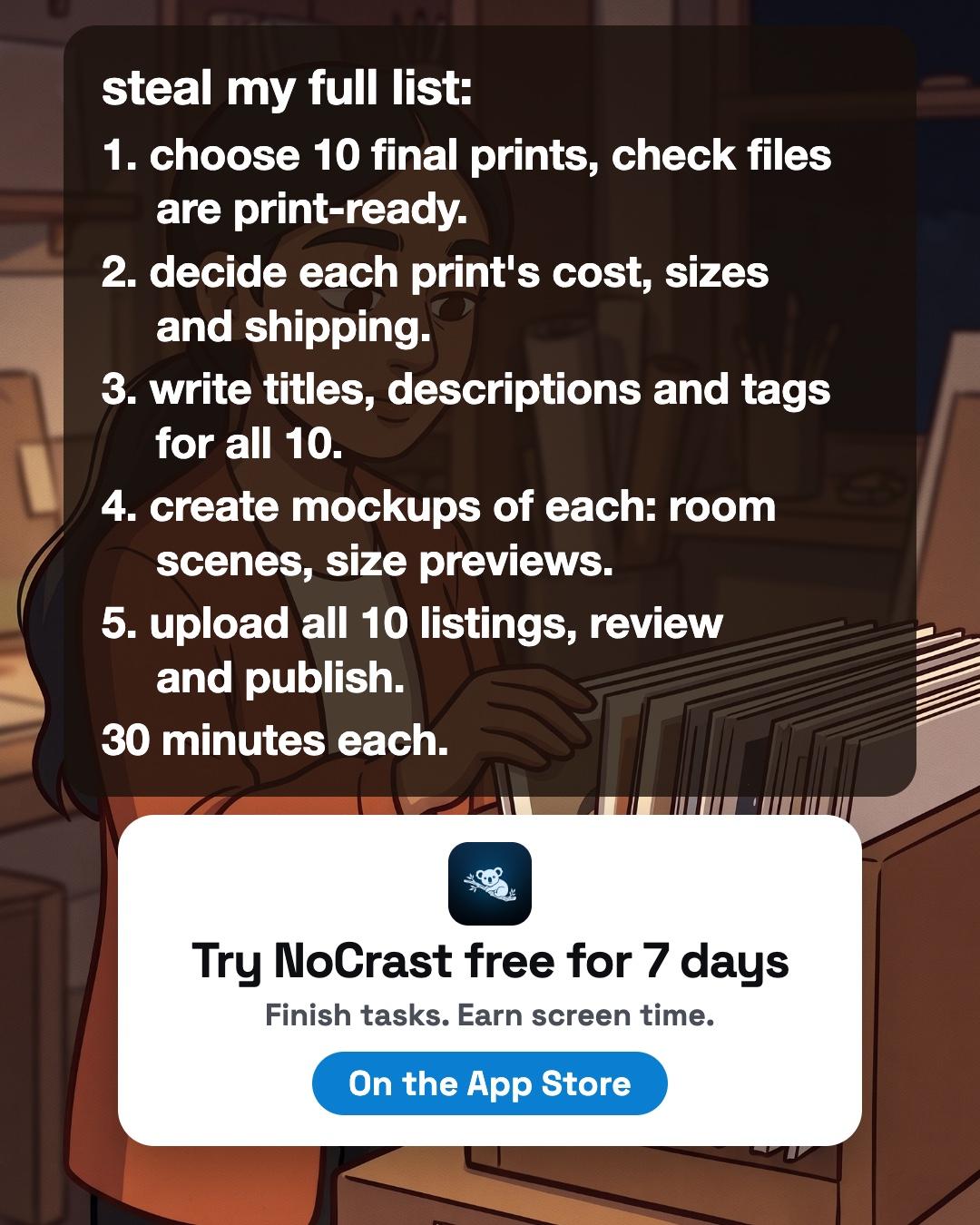
Here is the full list, in case you have a drop of your own waiting.
How to list your art prints in your shop, one small step at a time
Each step is about half an hour. Pick one and do it tonight.
- Choose your final prints and check the files. Decide exactly which ones go up, and stick to that number. Open each file and check it is print-ready: the right size, sharp enough, nothing cut off at the edges. Choosing is a step on its own. Let it be one.
- Decide each print's cost, sizes and shipping. Settle it once, in one place, before you write a word. A simple table with the print, its sizes, its price and how it ships saves you from making the same choice ten times later.
- Write titles, descriptions and tags for all of them. Do them together, so they sound like one shop. Say what the print shows, which sizes it comes in and how it arrives. Short and plain is fine.
- Make mockups of each. A room scene helps people picture it on their wall. A size preview shows them what will arrive. Soft light and a steady camera do most of the work.
- Upload, review and publish. Put the listings in, read each one through once, then publish. You can always edit a listing later. Getting it up matters more than getting it perfect.
If a step doesn't get finished tonight, that's okay. In NoCrast, whatever you don't finish comes back tomorrow, and the apps you chose stay on hold while there's a step to do. Without the app, write the five steps on a sticky note, keep it on your shelf, and cross one off before you pick up your phone.
 NoCrast
Putting something off, too?
Tell NoCrast what you keep avoiding. It breaks it into steps small enough to start today, and keeps your distracting apps on hold until they're done. Finish a step, earn screen time.



New subscribers get the first 7 days free, then NoCrast Premium monthly or yearly. Cancel any time.
Found this helpful? Share it with others!