How I finally registered for next term's classes around my shifts
A NoCrast comic story: Marcus, a student who works warehouse shifts, and the class registration he kept putting off.
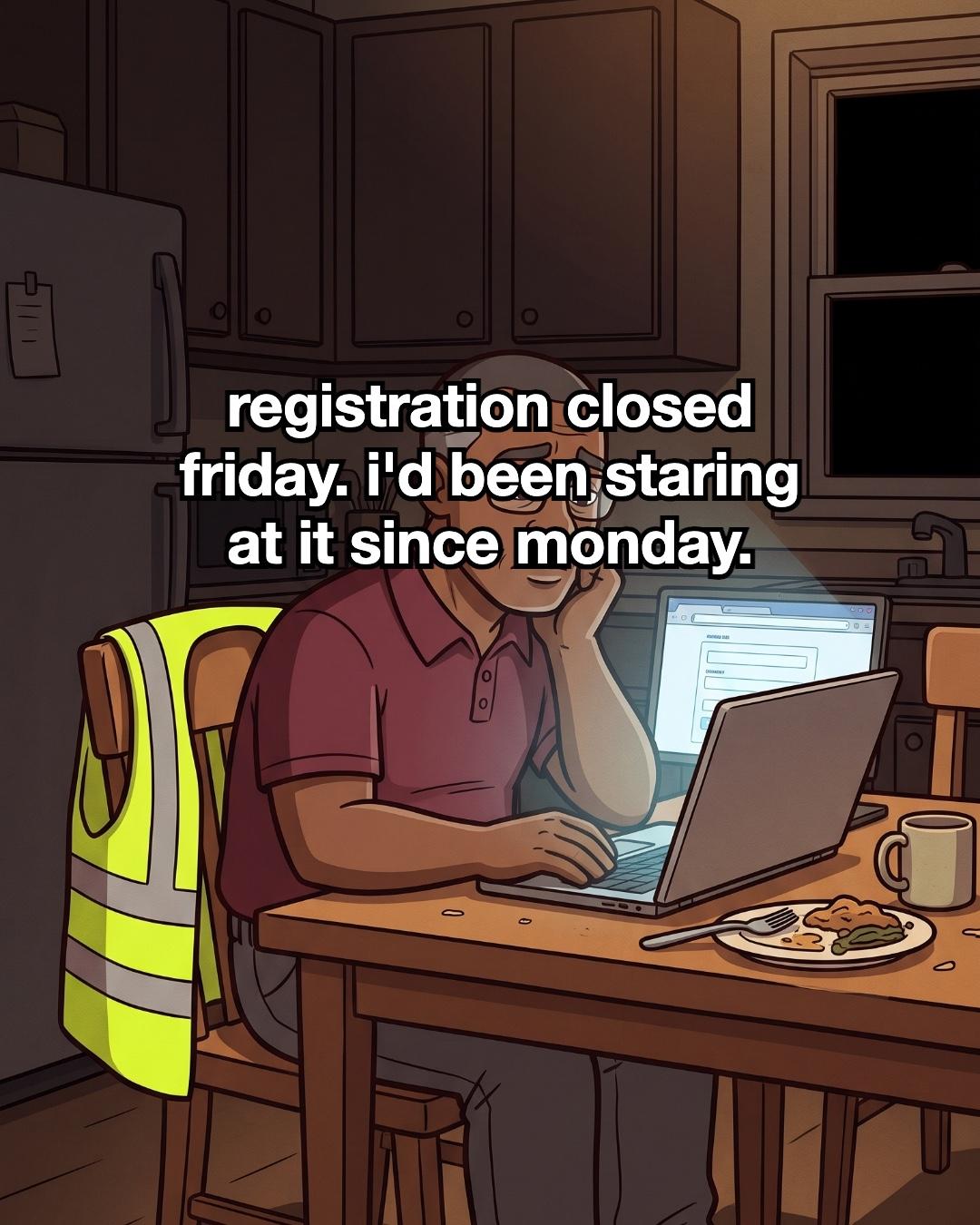
Registration closed Friday. I'd been staring at it since Monday.
Every night after my shift, I sat at the kitchen table. My vest hung on the chair and my dinner went cold beside the laptop. The registration page was open, and I couldn't face it.
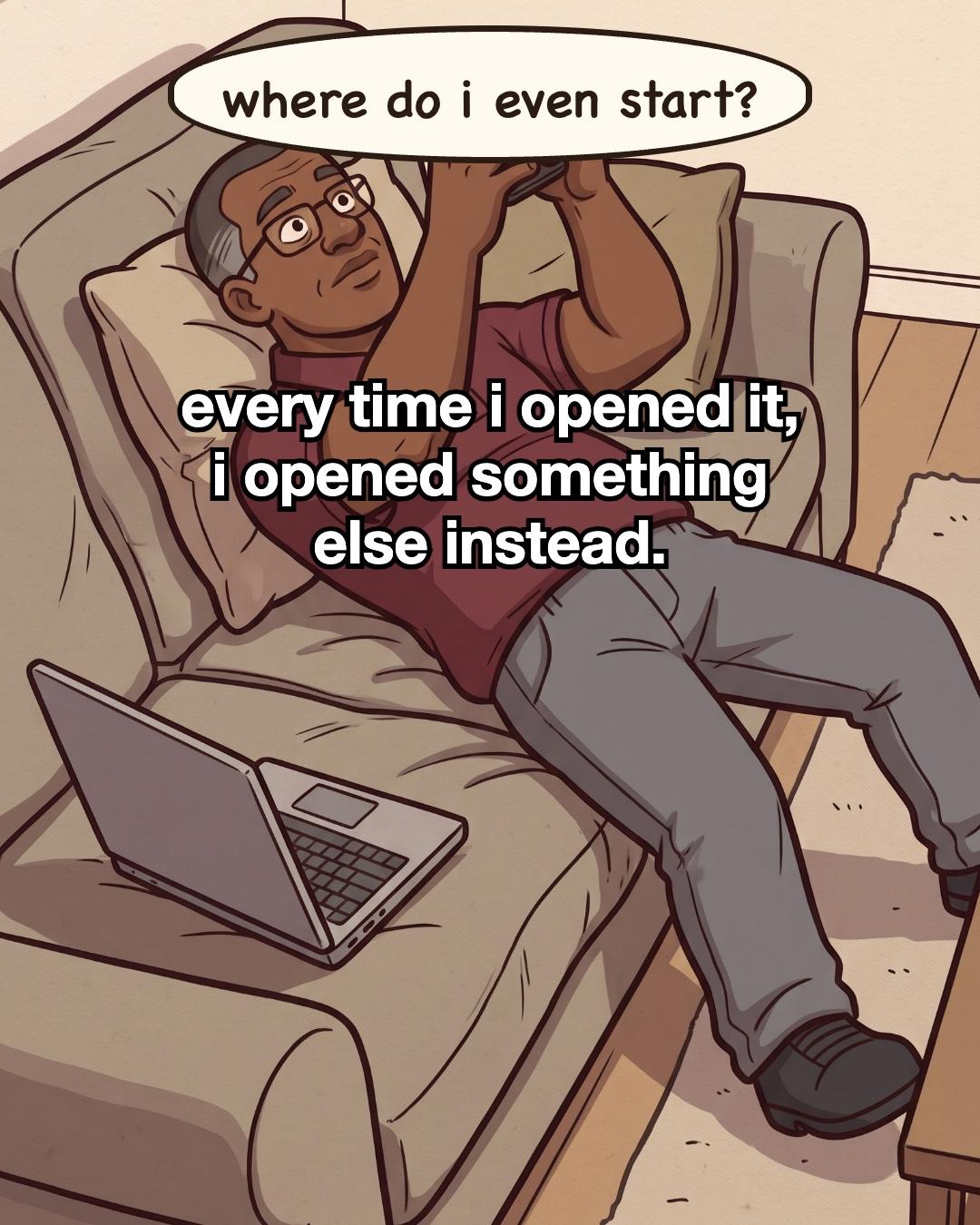
Every time I opened it, I opened something else instead. I'd end up on the sofa with my phone above my face and the laptop sliding off the cushion. Where do I even start?
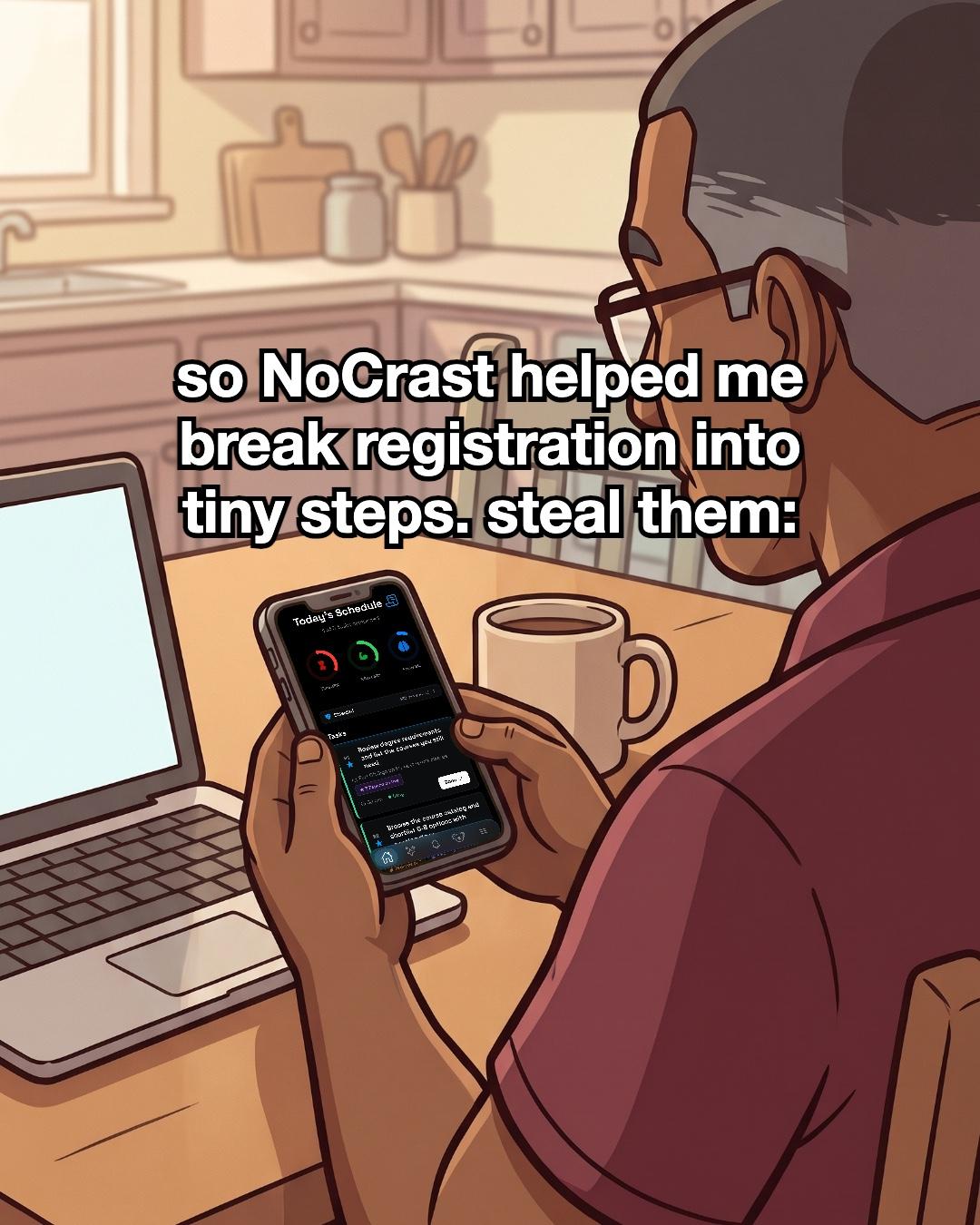
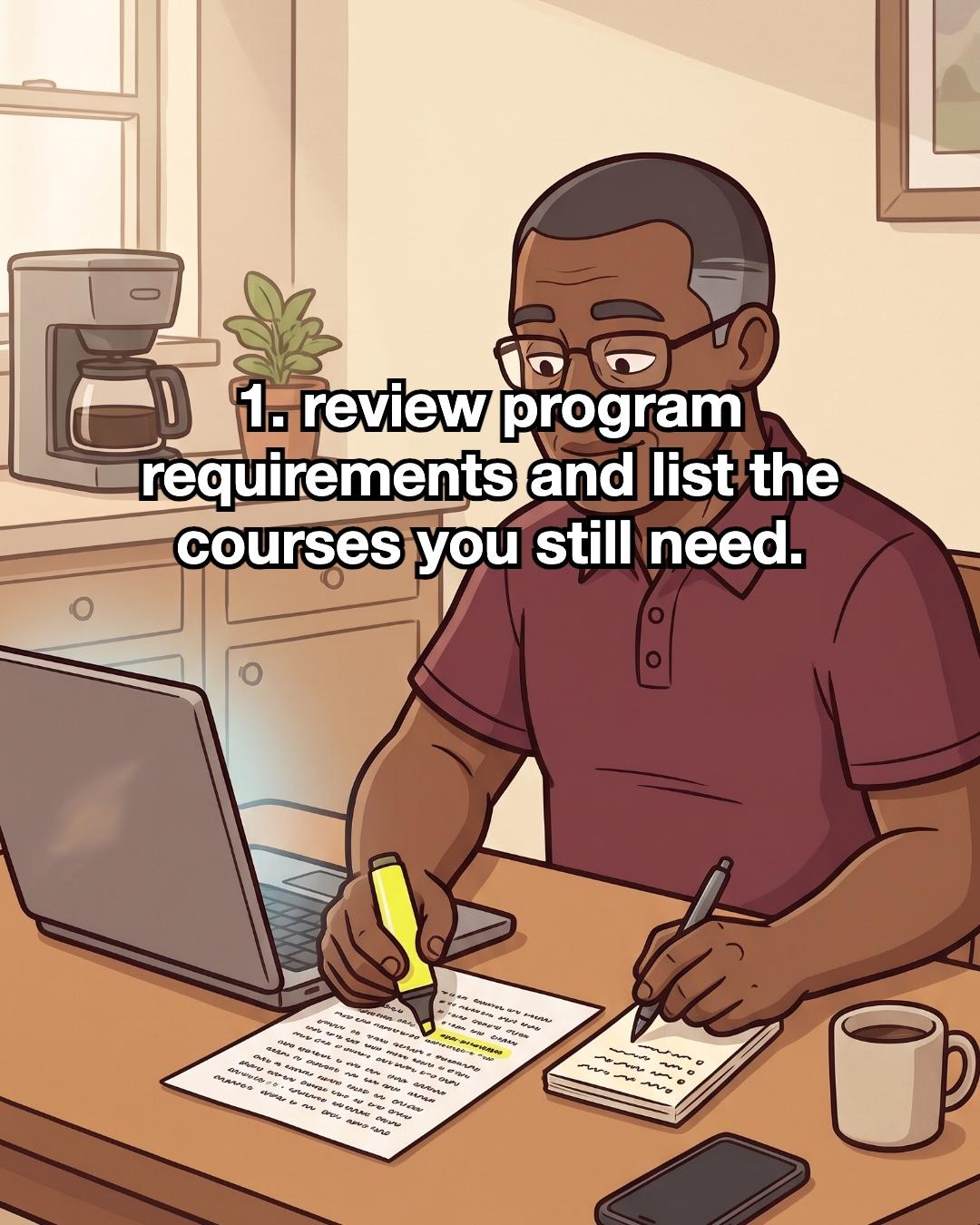
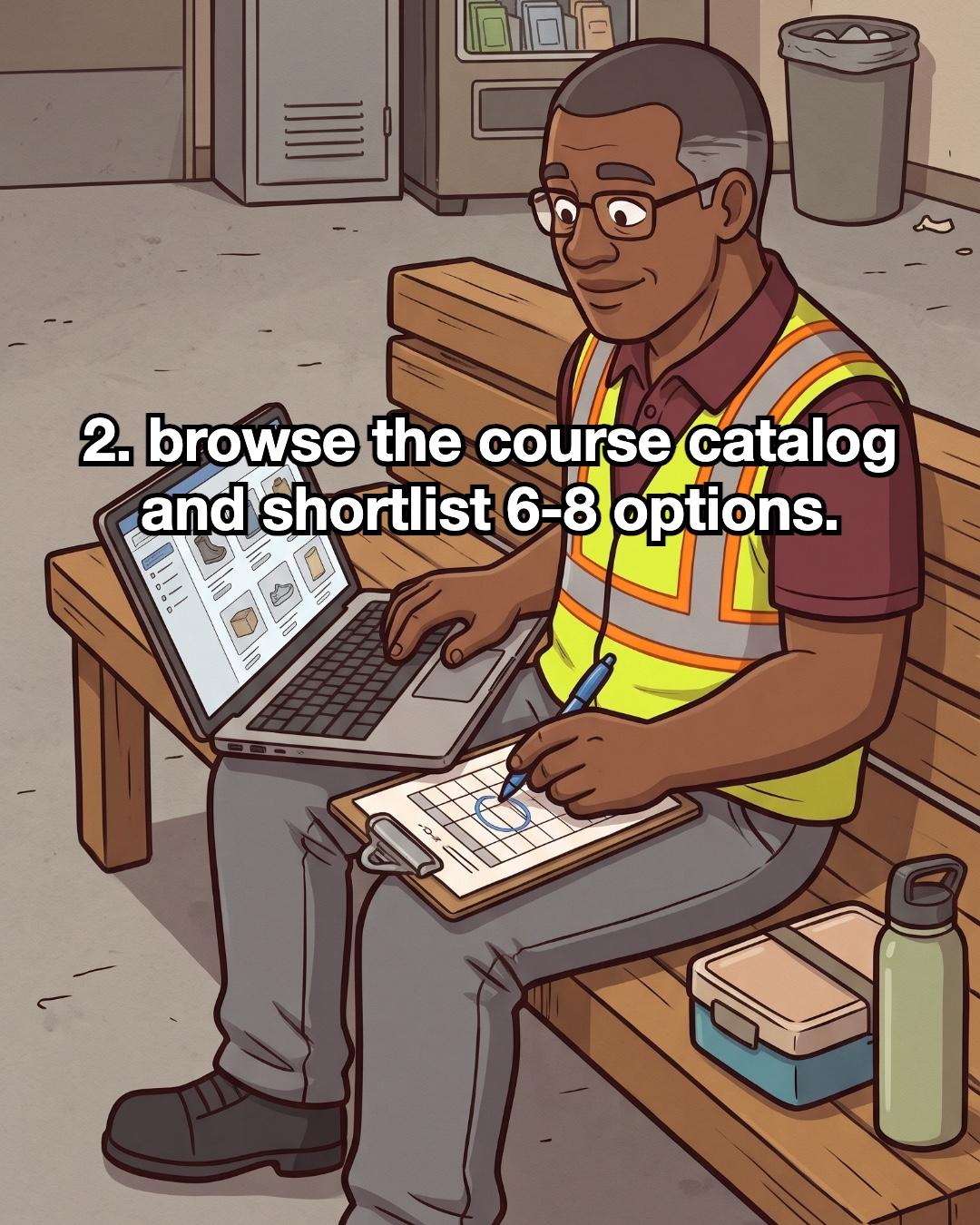
So NoCrast helped me break registration into tiny steps, and I started doing them one by one. First I went through my program requirements with a highlighter and wrote down the courses I still needed. My phone stayed face down. On my lunch break I sat in the warehouse break room with the laptop on my knees. I browsed the course catalog and circled a shortlist on a sheet of paper.
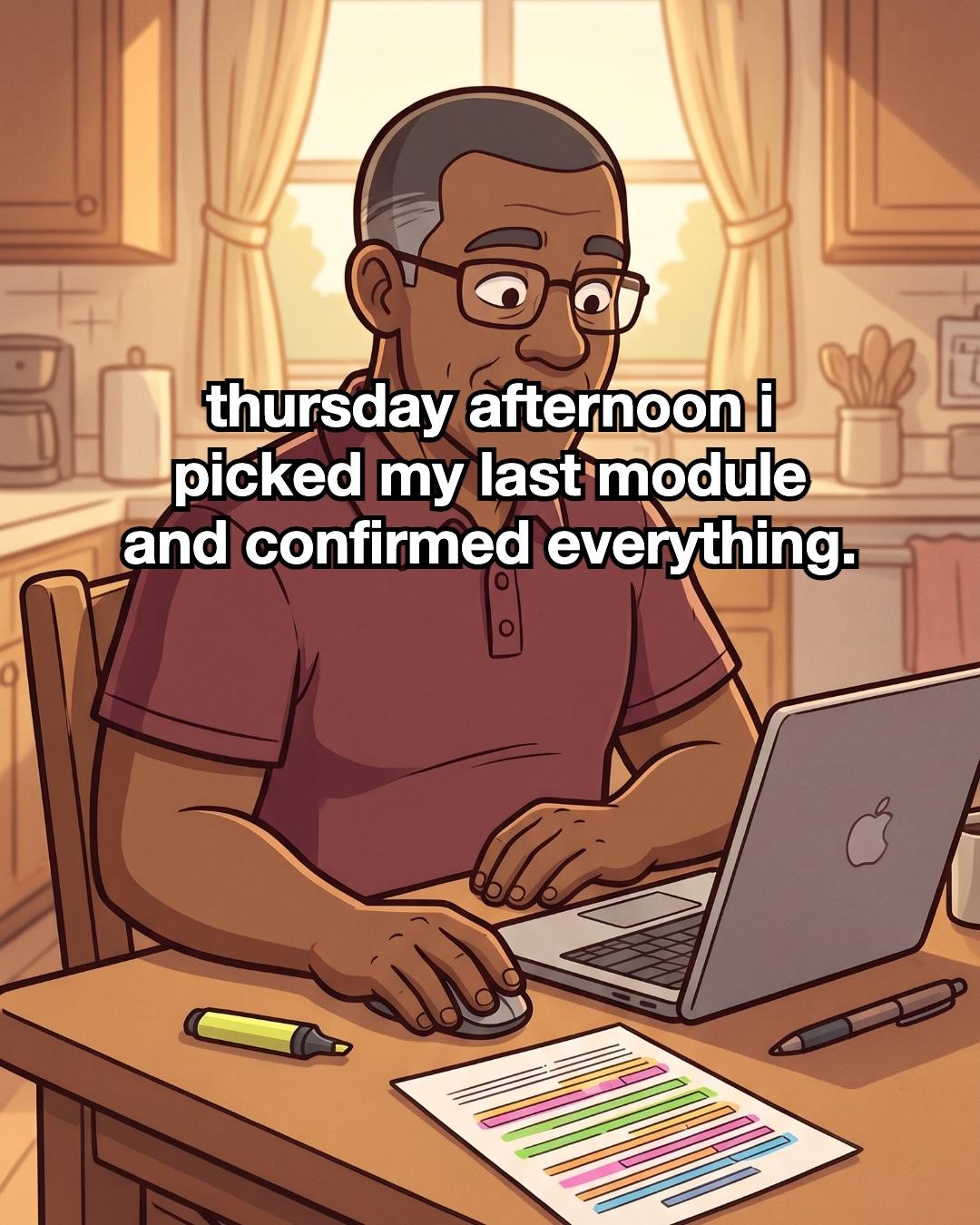
Thursday afternoon, before my shift, I picked my last module and confirmed everything. I was calm, for once.
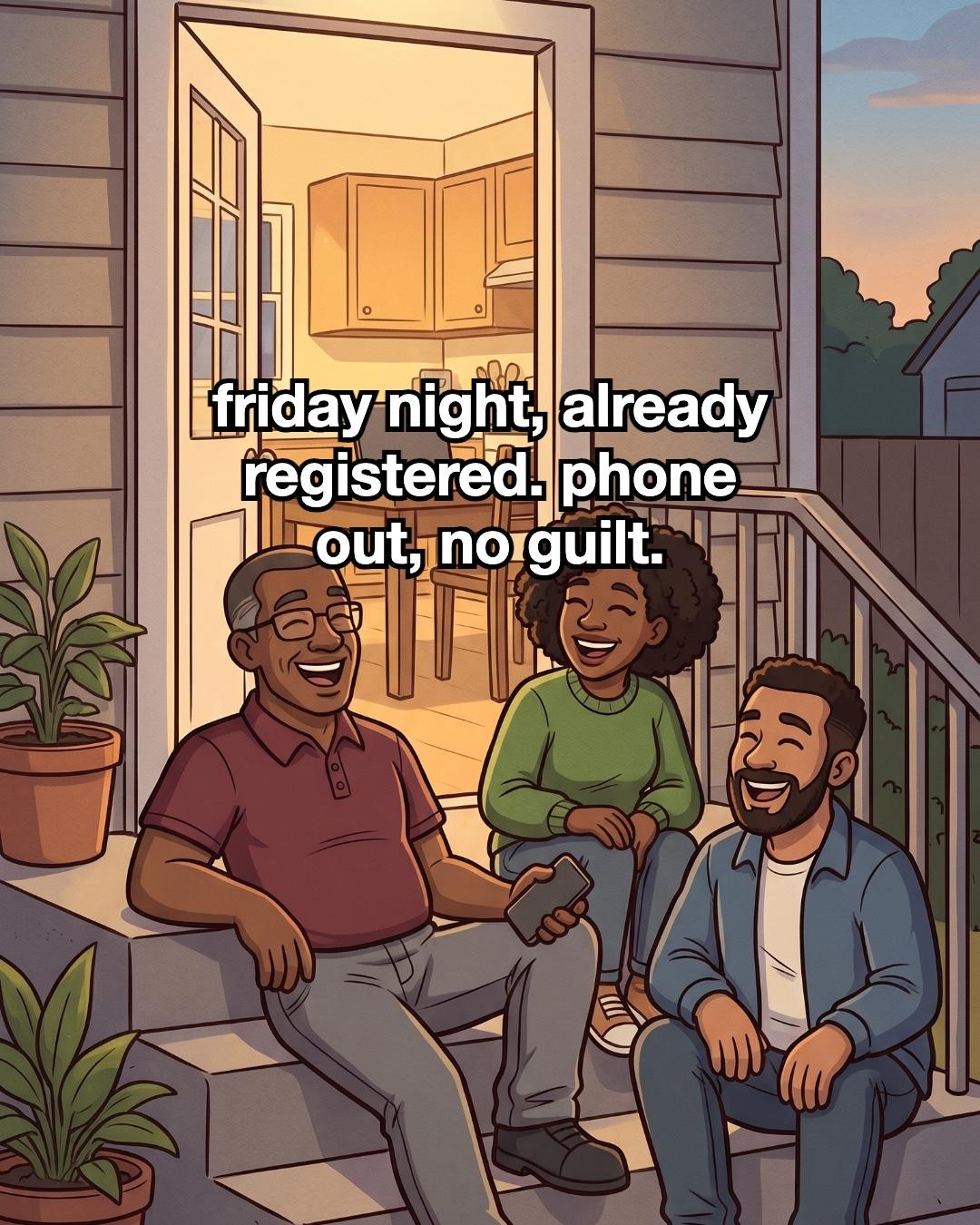
Friday night I was already registered. I sat on the back steps with friends, phone in my hand, no guilt. The laptop stayed shut on the kitchen table.
How to sign up for next term's classes
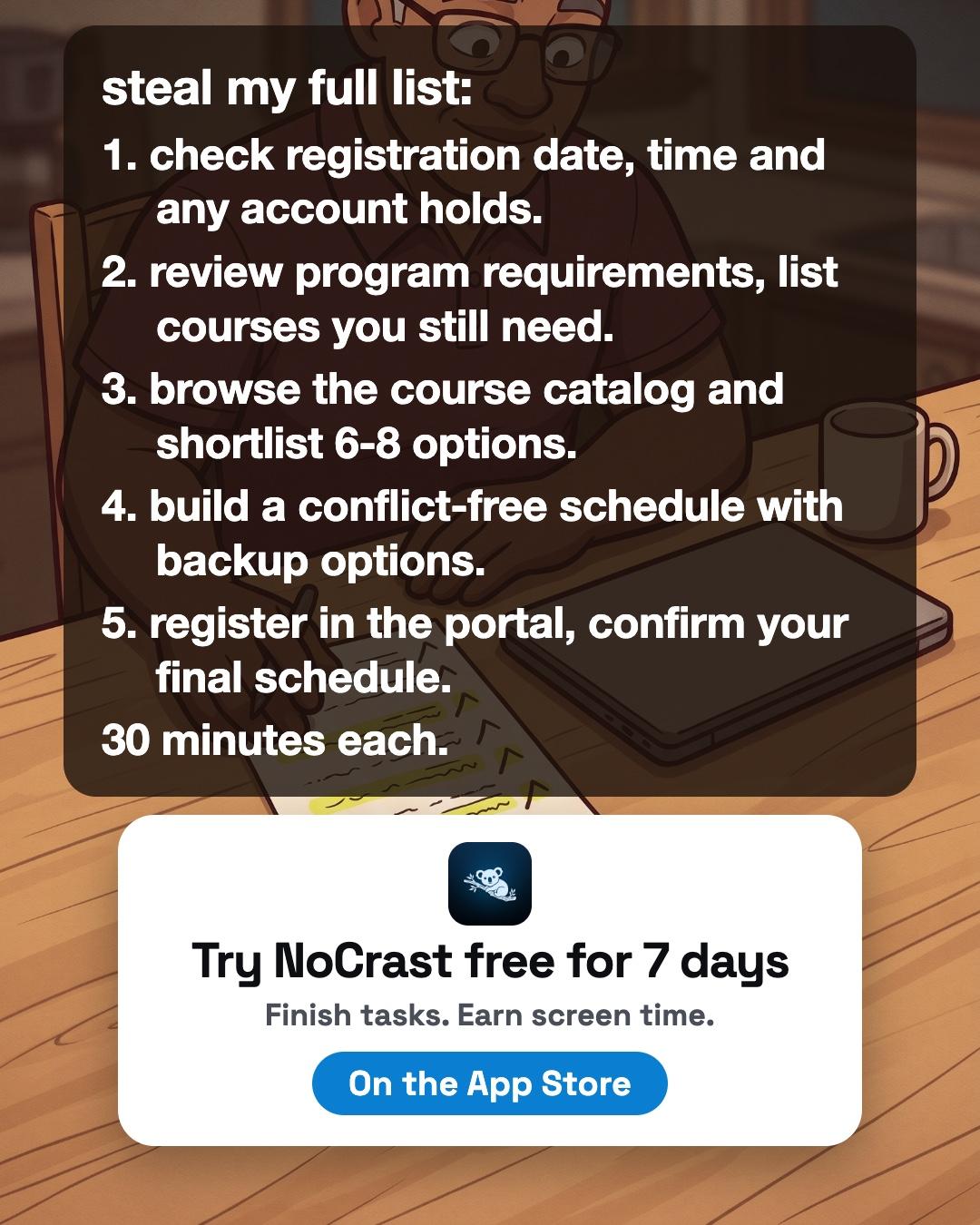
These are the steps NoCrast's AI gave me, in order. Copy them. I planned about 30 minutes for each, which fits before or after a shift.
- Check the registration date, time and any account holds. Find out exactly when your window opens and when it closes. Then look for anything on your student account that could stop you registering. Sort it out first, because clearing it can take a few days.
- Review your program requirements and list the courses you still need. Open or print your requirements and mark what you've already done. Write a short list of what's left. Everything else builds on this list.
- Browse the course catalog and shortlist 6 to 8 options. Don't decide yet. Just mark the courses that fit your requirements and that you'd actually want to take. Having more than you need leaves room for when a class is full or clashes with something.
- Build a conflict-free schedule with backup options. Put your shortlist next to your real week, work shifts included. Pick a main schedule, and a backup for each class. Then a full section won't send you back to the start.
- Register in the portal and confirm your final schedule. Add your classes and submit. Then check that the confirmation shows what you meant to pick. Save a copy.
What kept me stuck was opening the portal with no idea what came first. On its own, each step was small enough to start. Fit them into gaps you already have: a lunch break is plenty of time to browse a catalog.
While you work, keep your phone out of the way. NoCrast keeps the apps you choose on hold until you finish your step, and every step you finish earns screen time on them. If something doesn't get done today, it comes back tomorrow. Without an app, putting your phone face down in another room does a lot of the same job.
Then, when it's done, enjoy your Friday.
 NoCrast
Putting something off, too?
Tell NoCrast what you keep avoiding. It breaks it into steps small enough to start today, and keeps your distracting apps on hold until they're done. Finish a step, earn screen time.



New subscribers get the first 7 days free, then NoCrast Premium monthly or yearly. Cancel any time.
Found this helpful? Share it with others!