How I finally transcribed six interviews I kept putting off
A NoCrast comic story: Elena, a law student, and the six recorded interviews she kept putting off.
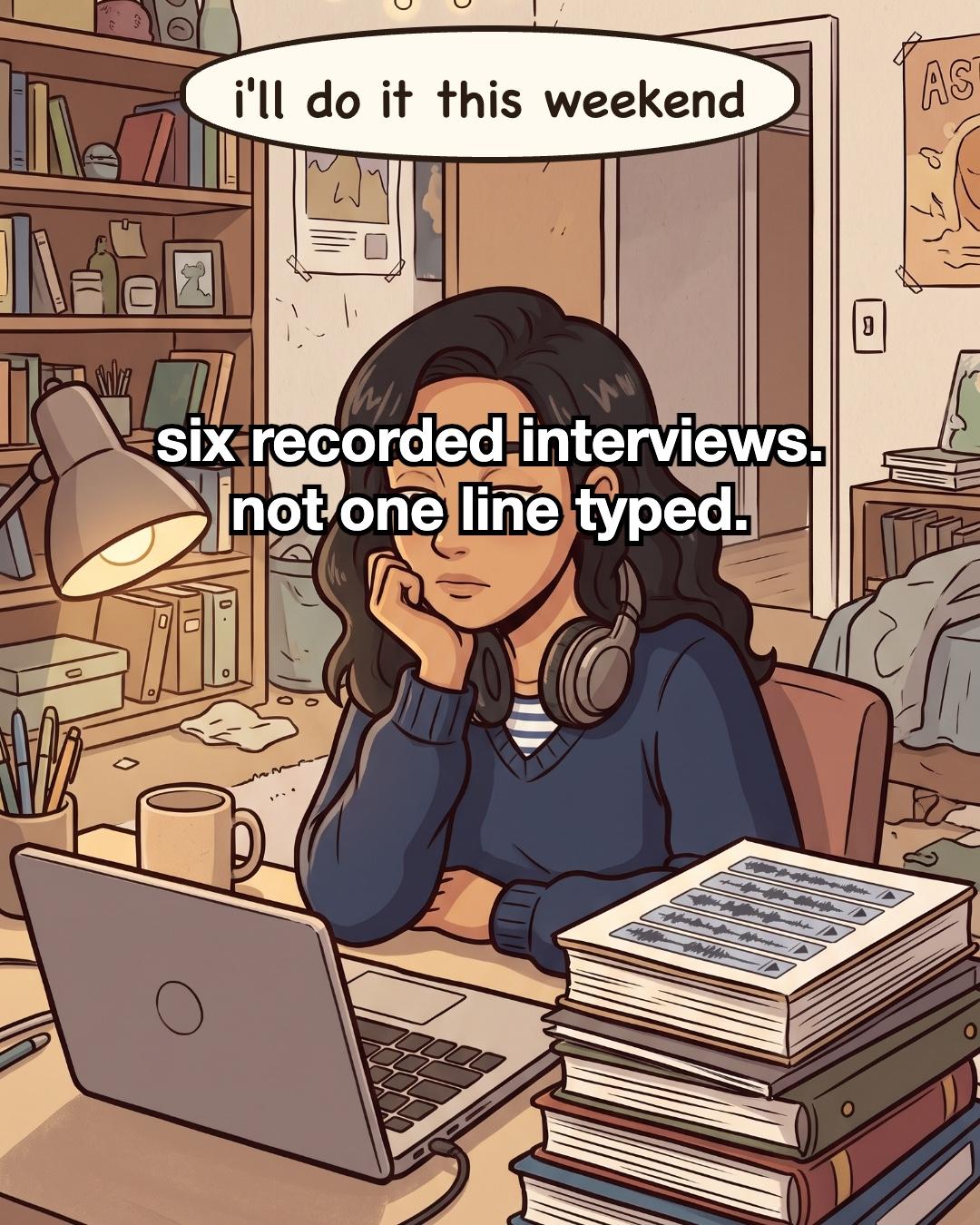
I had six recorded interviews on my laptop and not one line typed. Every week I told myself the same thing: I'll do it this weekend. The exam readers piled up next to me, and the recordings just sat there.
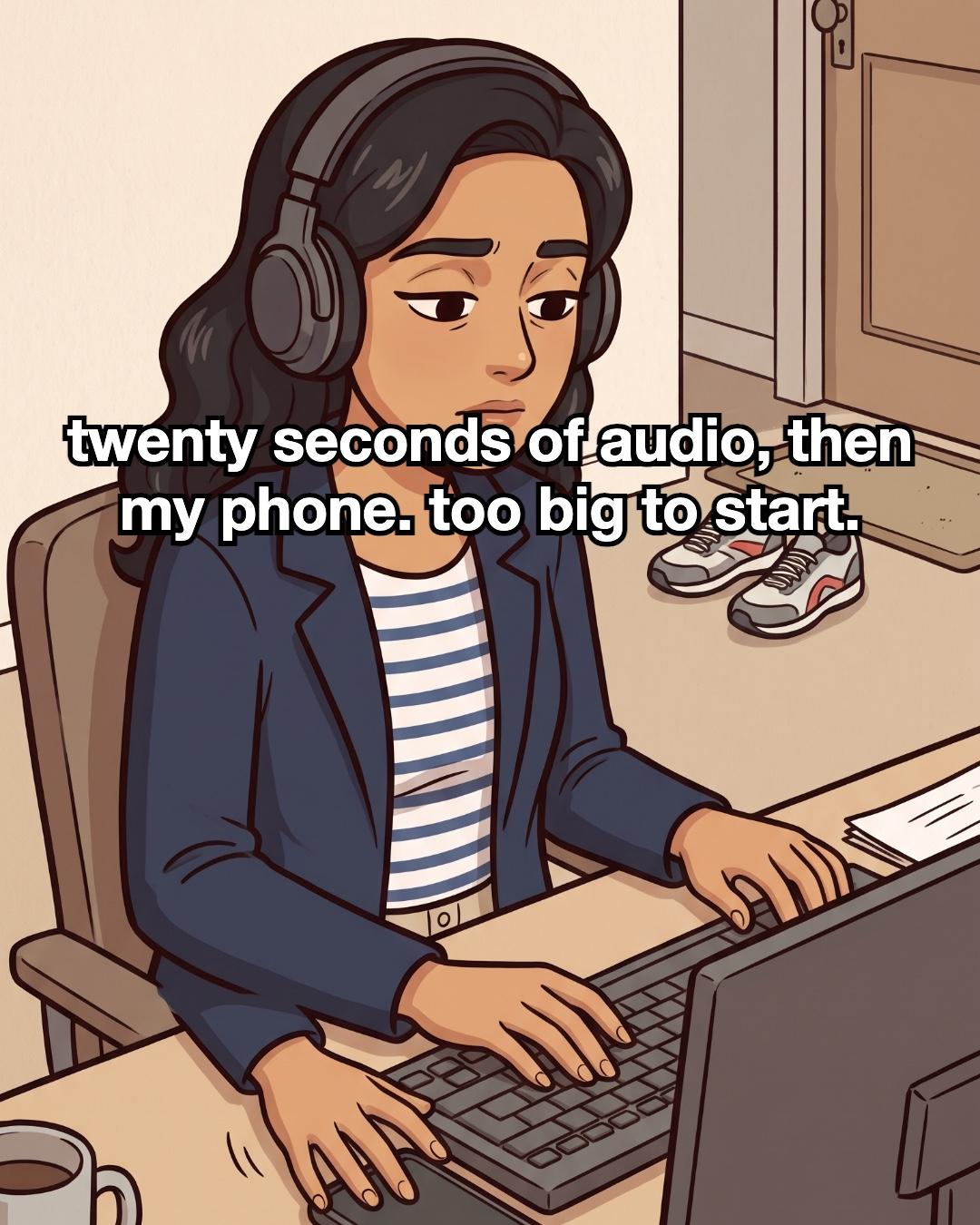
When I did sit down, it always went the same way. Headphones on, twenty seconds of audio, two words typed. Then my hand found my phone. Six whole interviews felt too big to start, so I never really started.
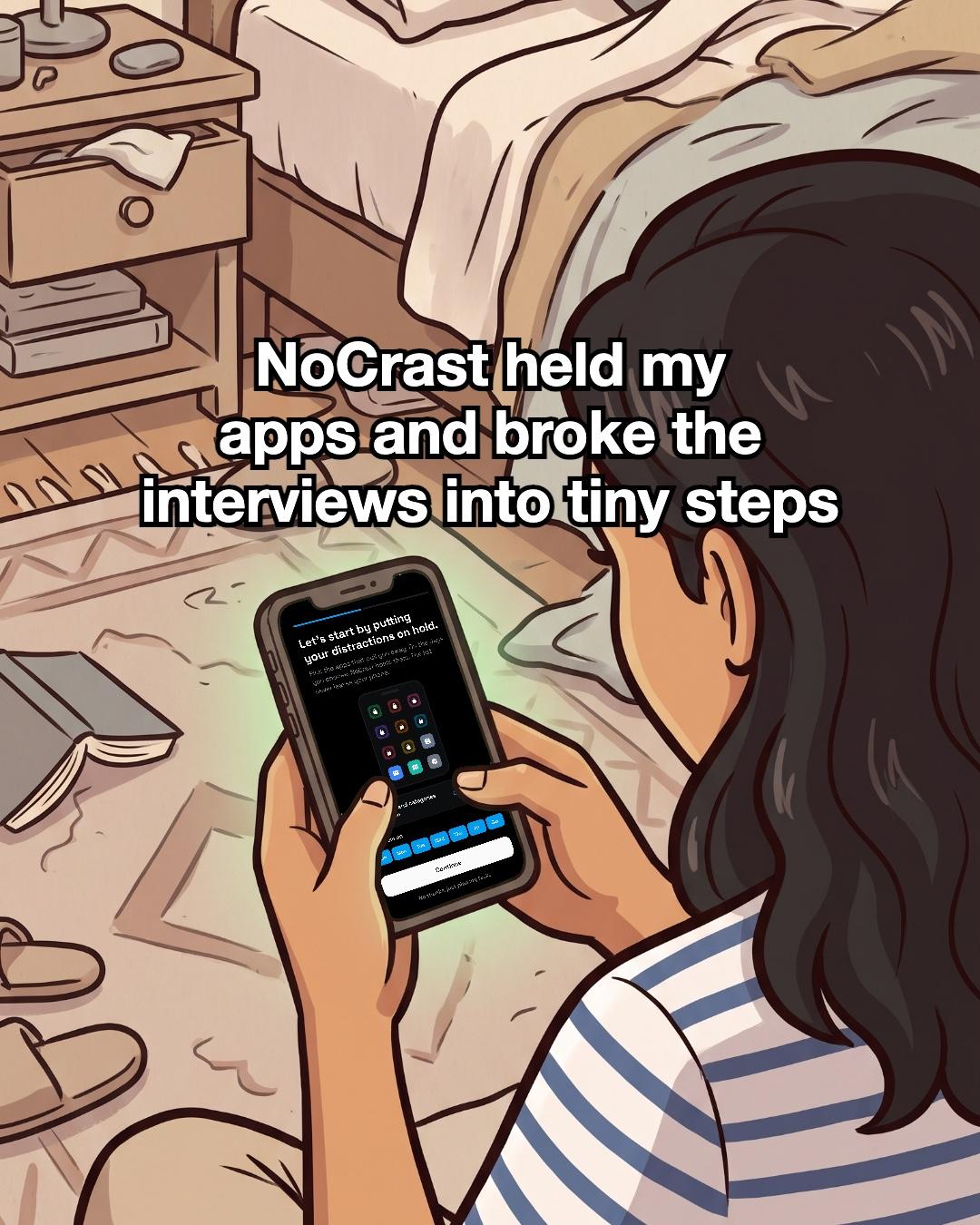
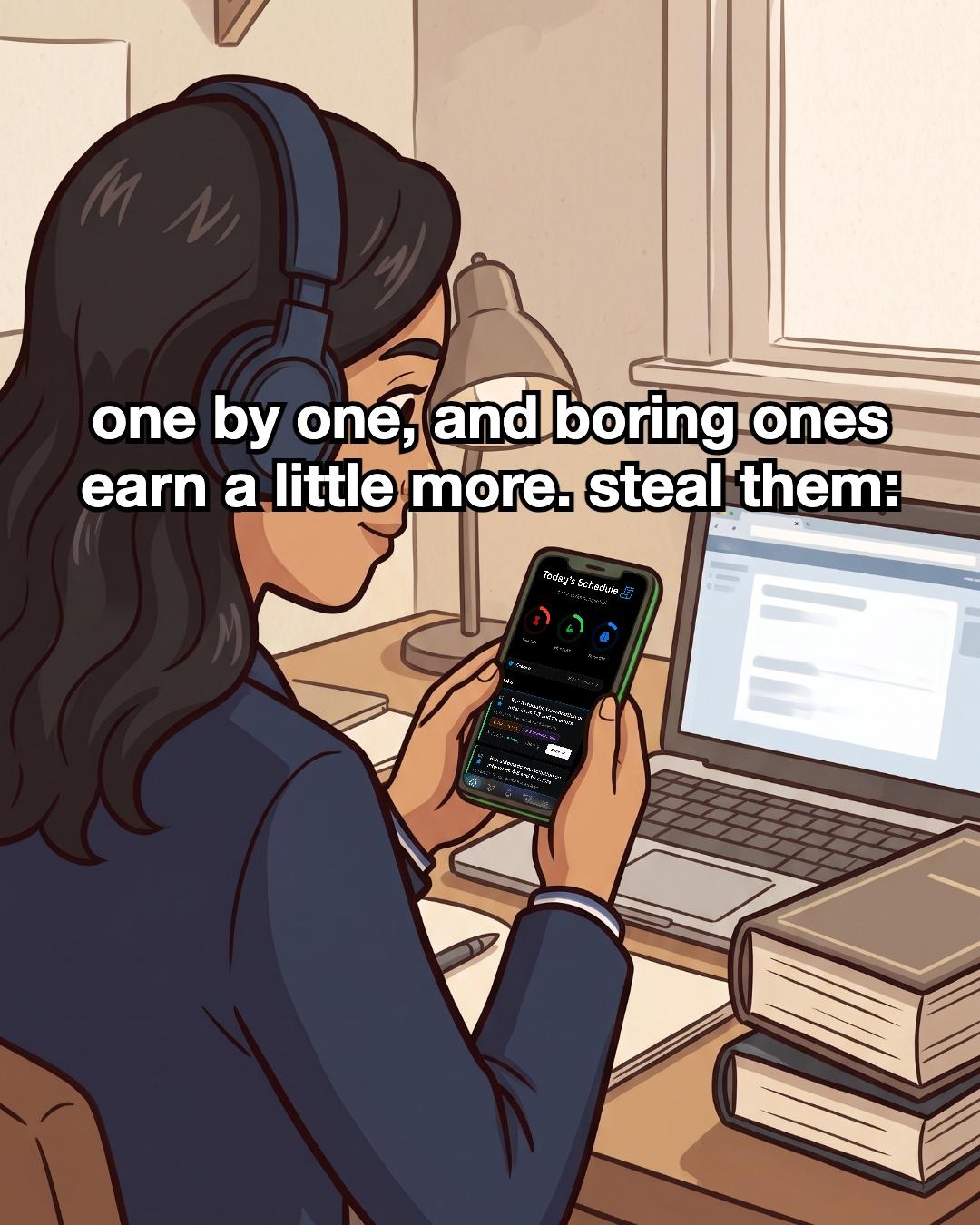
So I tried something different. I sat on the floor against my bed and opened NoCrast. I chose which apps to put on hold and on which days. Then I typed in my goal, transcribe my 6 interviews, and NoCrast broke it into tiny steps. I did them one by one. Transcription is about as boring as tasks get, and in NoCrast boring tasks earn a little more screen time. That helped more than I expected.
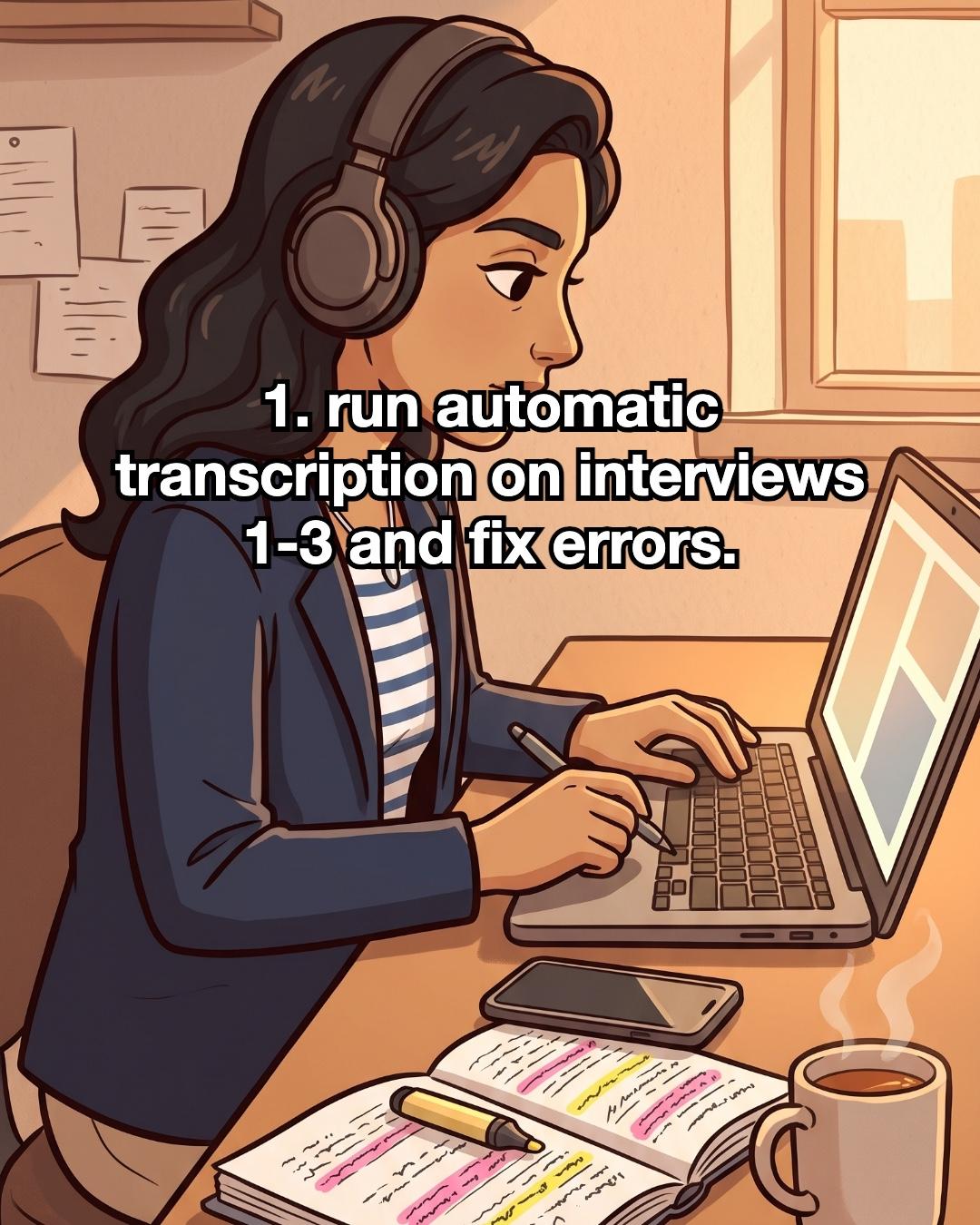
The first step took my afternoon. I ran automatic transcription on interviews 1 to 3. Then I listened back and fixed the errors as I went. My phone stayed face down by the keyboard, with a mug of tea next to me.
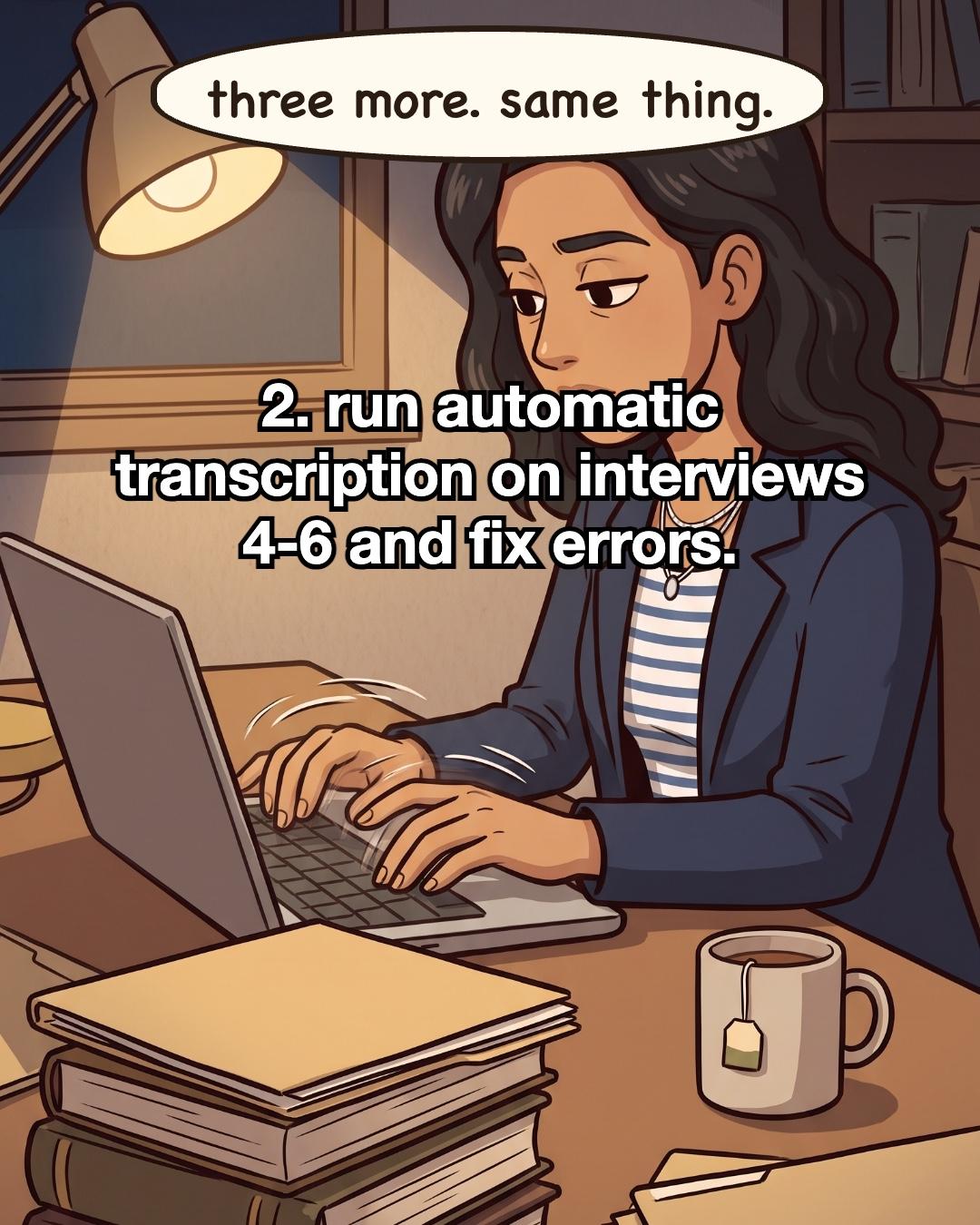
The second step was the same thing again: interviews 4 to 6, transcribe, then fix. By the evening three folders were closed and stacked on my law books, and my tea had gone cold.
That night six transcripts sat in a neat pile under the lamp. Boring, but done. Here is my list, if you have interviews of your own waiting:
- Auto-transcribe interviews 1 to 3, then fix the errors.
- Auto-transcribe interviews 4 to 6, then fix the errors.
How to transcribe interviews you keep putting off
Put the distractions on hold first. The hard part is usually not the typing. It's the phone next to the keyboard. Put it in another room, or use NoCrast: pick the apps that pull you away, and they stay on hold until your steps are done. Every step you finish earns screen time back.
Check where your recordings are allowed to go. Before you upload anything to an automatic transcription tool, look at your consent forms and your university's guidance on research data. Some projects have rules about this. It takes a few minutes and saves worry later.
Split the pile into two small steps. "Transcribe six interviews" has no clear first move. "Interviews 1 to 3" does. If you'd rather not plan it yourself, NoCrast's AI breaks a big goal like this into small, doable tasks, so you always know what comes next.
Don't type from scratch. Fix instead. Let automatic transcription do the first draft. Then listen back and correct as you go: names, legal terms, anything it misheard. If a line is unclear, note where it is in the recording and keep moving. Come back to those spots at the end.
Close each interview when it's done. Save the corrected transcript and close the folder. Seeing the finished ones pile up is a quiet reason to keep going.
Do the second half the same way. Interviews 4 to 6, same process. If you don't finish today, that's fine. Start tomorrow with the next interview on the list. Boring, but it gets done.
 NoCrast
Putting something off, too?
Tell NoCrast what you keep avoiding. It breaks it into steps small enough to start today, and keeps your distracting apps on hold until they're done. Finish a step, earn screen time.



New subscribers get the first 7 days free, then NoCrast Premium monthly or yearly. Cancel any time.
Found this helpful? Share it with others!